DStv Explora Ultra Features: A Complete Technical Guide for 2026
Plenty of Gauteng households are still watching on an older Explora — missing 4K channels, built-in streaming apps and the extra recording headroom the newer hardware was designed for. And even after the upgrade, many of the DStv Explora Ultra features sit dormant, because the decoder was never configured to switch them on. This guide walks through exactly what the Explora Ultra does, and what a professional dstv installation unlocks on day one.
Key Takeaways
- 4K UHD Output: The Explora Ultra supports 4K Ultra HD playback, delivering four times the pixel density of standard 1080p HD decoders.
- 2TB Hard Drive: On-board storage provides around 110 hours of high-quality recording capacity, well beyond previous Explora models.
- Integrated Streaming Apps: Netflix, YouTube and other apps are built directly into the decoder interface, accessible without switching HDMI inputs.
- Catch Up Plus: When connected to the internet, the Explora Ultra expands its content library through the Catch Up Plus service, covering missed broadcasts across multiple channels.
- XtraView Ready: The decoder supports multi-room viewing, linking up to 3 decoders across 3 separate televisions under a single subscription.
- Dedicated App Remote: A redesigned remote control includes shortcut buttons for Netflix and other frequently used apps, reducing navigation time.
- Professional Setup Required: To unlock all of the Explora Ultra's features, precise dish alignment and correct LNB configuration are essential.
What Are the Core DStv Explora Ultra Features?
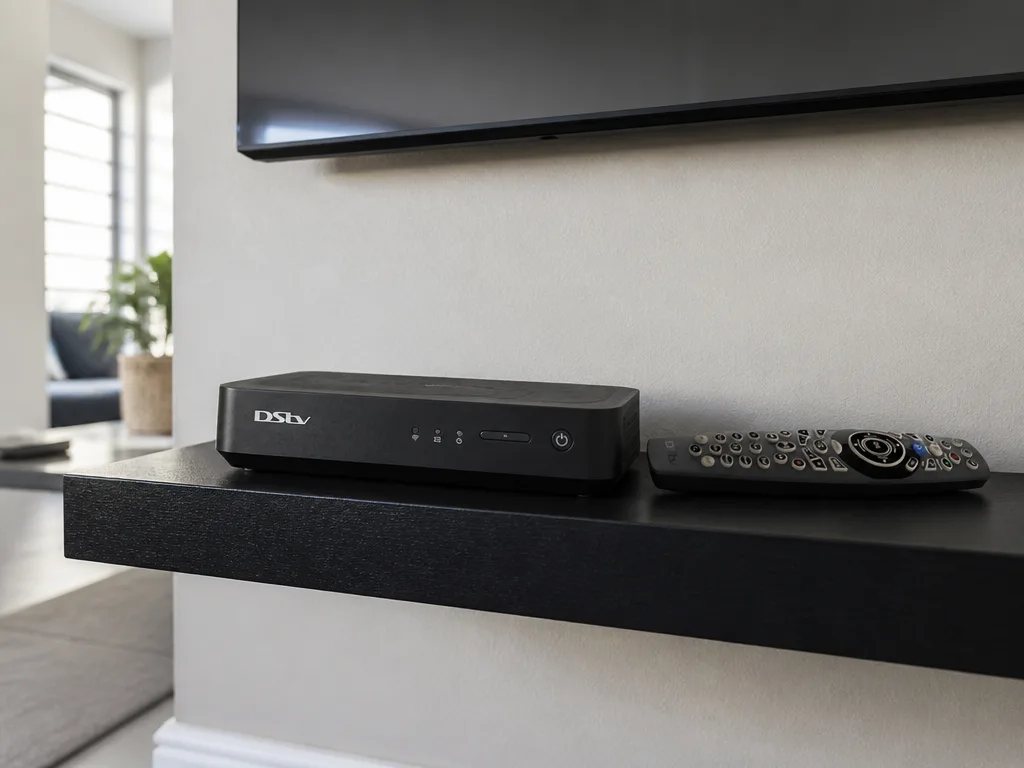
The Explora Ultra is a hybrid decoder, combining satellite reception with internet-based content delivery. This dual-input architecture is central to understanding how its features work in practice.
On the satellite side, the decoder receives signals through a standard Ku-band dish setup, supporting multiple transponder inputs. On the internet side, it connects via Wi-Fi or a wired LAN connection to stream app-based content and access Catch Up Plus libraries.
The result is a unified content hub where live satellite channels, recorded content and streaming apps all coexist inside a single interface. A qualified dstv technician configures both pathways during the setup process to ensure neither is compromised.
The home screen interface is designed around a recommendation engine, surfacing content from both satellite and streaming sources in a single, scrollable feed. This reduces the number of steps required to find something to watch, which is a noticeable improvement over the standard Explora interface.
DStv Explora Ultra Features: Storage and Recording Capabilities
The 2TB internal hard drive is one of the most significant of all the dstv explora ultra features, providing around 110 hours of high-quality recorded content.
The recording system supports simultaneous recording of multiple channels while watching a separate live feed. This is achieved through the decoder's multi-tuner architecture, which processes several satellite transponder streams concurrently.
Series recording is automated through the decoder's guide system. Once a series link is set, the decoder identifies new episodes across the broadcast schedule and queues them for recording without any manual input. For households that record heavily and binge whole seasons, the extra storage headroom is a direct upgrade over older 1TB hardware.
4K UHD Picture Quality and Display Output Features
The Explora Ultra outputs video at 4K Ultra HD resolution (3840 x 2160 pixels) via HDMI 2.0. This requires a compatible 4K television and HDMI cable to realise the full output specification.
HDR (High Dynamic Range) support is included, expanding the decoder's ability to render contrast and colour depth beyond standard dynamic range limits. Both HDR10 and HLG formats are supported, covering the encoding standards used across DStv's premium channel output.
For smooth 4K streaming (as opposed to satellite-broadcast 4K), a stable internet connection of around 25 Mbps is recommended. This is a key installation consideration, and our dstv technicians routinely advise clients to verify their broadband speeds before relying on 4K app-based content.
Streaming and App Integration as Part of the DStv Explora Ultra Features
The Explora Ultra ships with Netflix pre-installed and accessible from the home screen, alongside YouTube and DStv's own streaming services. For many households, the integrated apps are the single biggest day-to-day difference from an older decoder.
The dedicated remote includes physical shortcut buttons for Netflix and other core apps. This hardware-level shortcut eliminates the need to navigate through menus, reducing the number of button presses required to open any given app.
Catch Up Plus is the decoder's extended on-demand library. It activates automatically when the decoder is connected to a broadband network, pulling in content from previous broadcasts that extends well beyond the standard 7-day satellite Catch Up window.
For households with a stable fibre or LTE connection, the hybrid satellite-plus-streaming model means content availability is genuinely continuous. A correctly configured dstv installation ensures both the satellite signal and the LAN or Wi-Fi connection are operational and stable simultaneously.
This infographic highlights five key features of the DStv Explora Ultra, helping readers quickly compare capabilities.
DStv Explora Ultra Features: XtraView and Multi-Room Connectivity
XtraView is a multi-room viewing system that links multiple decoders to a single DStv subscription. The Explora Ultra functions as the primary (main) decoder in an XtraView setup, with up to two additional decoders operating as secondary units across separate televisions in the same property.
This means a household can watch three different channels on three separate televisions simultaneously, all billed under one premium subscription. The financial implication is significant for larger homes, reducing the per-room cost of full-channel access considerably.
The secondary decoders connect to the primary Explora Ultra through either a wired coaxial link or a wireless XtraView adapter. Our dstv installers assess the property layout before recommending the cabling approach, as cable routing and signal distribution affect long-term reliability.
How DStv Installers Configure the Explora Ultra for Full Feature Access
Not all dstv explora ultra features activate automatically out of the box. Several require specific hardware configuration during the physical setup process to function correctly — which is the whole reason the features so often sit unused.
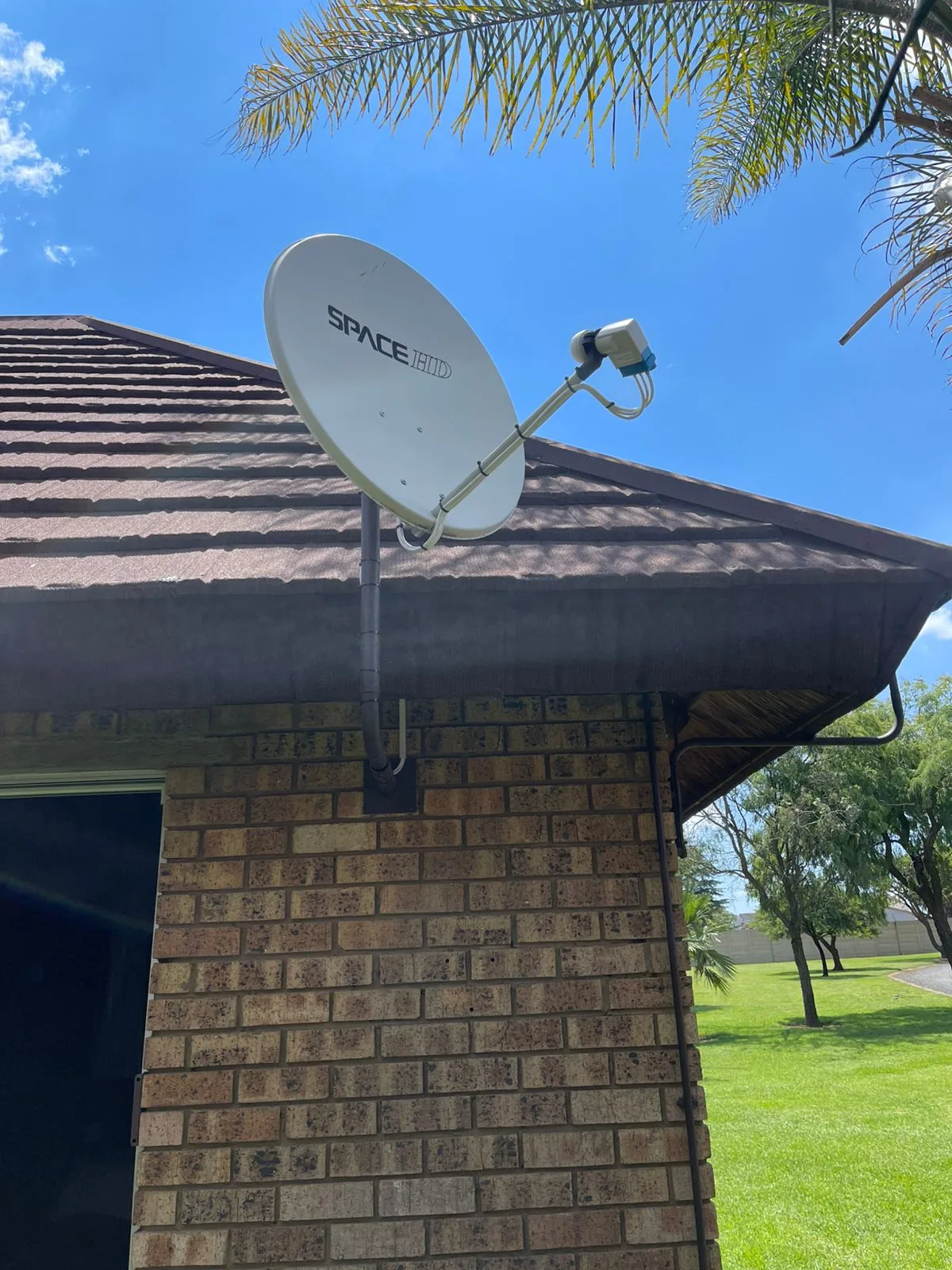
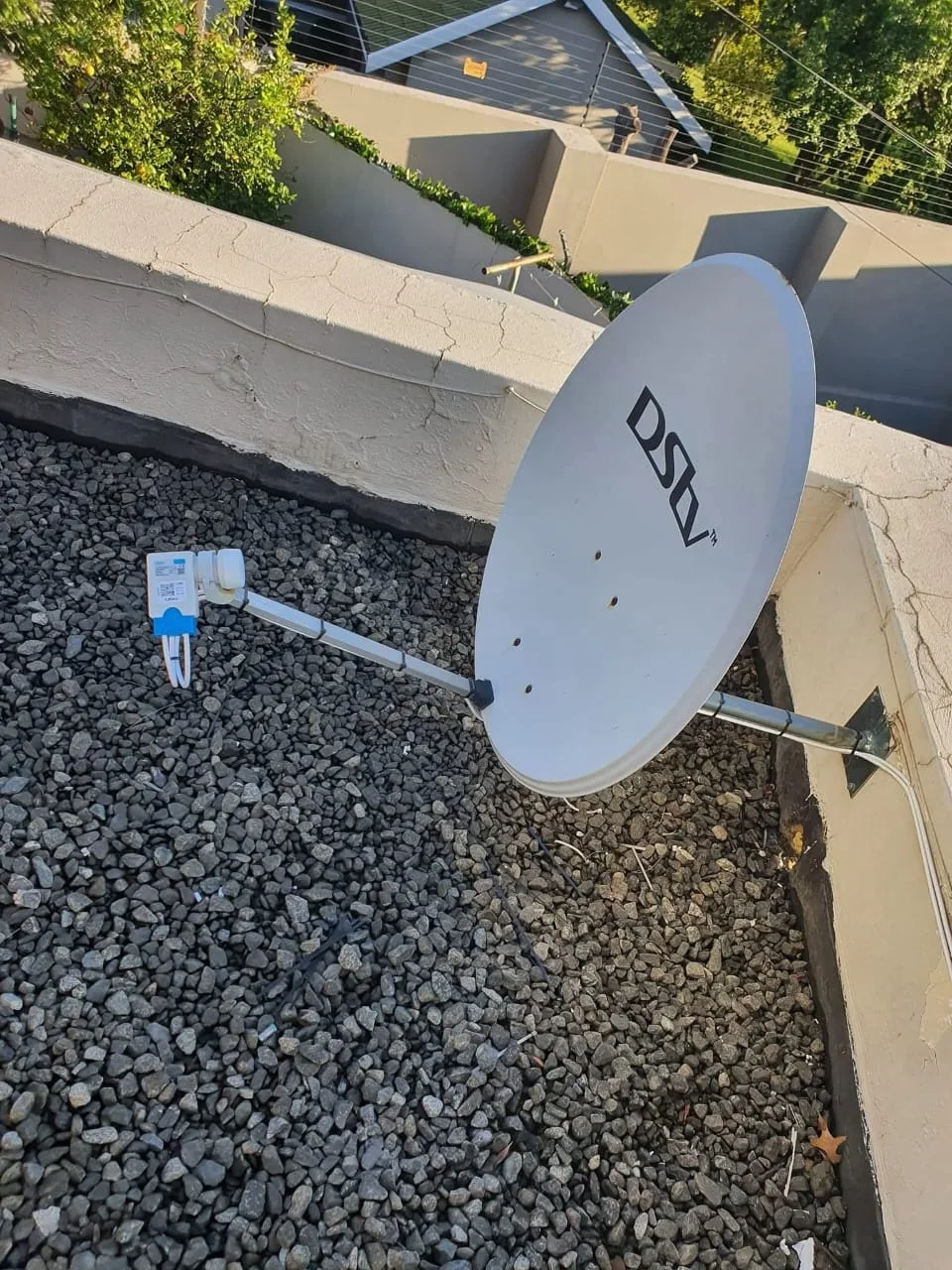
Dish alignment is the first and most critical step. The Explora Ultra receives its satellite signal from IS20 (Intelsat 20), positioned at 68.5 degrees East. Our dstv technician uses a signal meter to achieve peak signal strength and quality readings during alignment, as sub-optimal dish positioning causes signal dropouts, failed recordings and degraded picture quality. If you want the full walkthrough, our step-by-step Explora Ultra installation guide covers the process in detail.
LNB selection also affects performance. The Explora Ultra requires a compatible wideband or standard quad/octo LNB depending on the XtraView configuration planned. Using an incorrect LNB type prevents certain multi-tuner or multi-room features from operating.
After dish and LNB setup, the decoder must be connected to the internet for Catch Up Plus activation and app functionality. Our dstv installers connect the decoder via the client's existing router during the site visit, verify the network credentials and confirm that streaming services are live before completing the job.
Gauteng's frequent load-shedding is worth planning for at the same time — repeated hard power cuts can corrupt recordings and shorten the life of the decoder's hard drive, so it's worth reading how to protect your decoder during load-shedding before the installer leaves.
We serve 28 Gauteng suburbs — including Pretoria East areas such as Moreleta Park — and can be reached directly at 077 454 4032 to book an Explora Ultra setup.
DStv Explora Ultra vs Standard Explora: Feature Differences That Matter
The clearest technical distinction between the standard Explora and the Explora Ultra lies in output resolution. The standard Explora outputs at 1080p HD maximum, while the Ultra introduces true 4K UHD output as a hardware-level capability.
App integration is another differentiator. The standard Explora provides access to a limited app selection, while the Explora Ultra ships with a more complete app ecosystem pre-loaded and a redesigned remote that makes switching between satellite and streaming content faster and more intuitive.
The Catch Up Plus service also runs more smoothly on the Ultra thanks to its improved processing hardware, which reduces buffer times and load speeds for on-demand content. For a detailed side-by-side breakdown, our Explora vs Explora Ultra comparison covers each specification in full.
From an installation perspective, the cabling and dish requirements for both models are largely identical. A dstv installation completed for a standard Explora can generally support an Explora Ultra upgrade with minimal hardware changes, provided the LNB configuration is compatible.
MyDStv App Integration and Remote Management Features
The Explora Ultra integrates with the MyDStv App, available on Android and iOS. Through the app, users can schedule recordings remotely, manage their subscription package and monitor decoder status from any location with an internet connection.
DStv Coins, MultiChoice's rewards currency, can be redeemed through the app to offset subscription costs — a small but genuine saving for households that use the app regularly.
Remote scheduling is particularly useful for households where the decoder is not always physically accessible. A user can set a recording from a mobile device while away from home, and the decoder will execute the instruction automatically when the broadcast time arrives.
What a Professional DStv Technician Checks During an Explora Ultra Setup
Our dstv technician follows a structured checklist during every Explora Ultra setup to confirm that all hardware features are functional before the job is signed off.
- Dish alignment verification: Signal strength and quality readings are confirmed at the decoder, not just estimated at the dish. Target thresholds are 70%+ on both metrics under clear-sky conditions.
- LNB output confirmation: The technician verifies that the LNB is supplying the correct voltage and switching tones to support all tuner inputs on the decoder.
- Network connectivity test: The decoder's internet connection is confirmed active, and at least one streaming app (typically Netflix or Catch Up Plus) is launched to verify end-to-end connectivity.
- Recording function test: A short test recording is initiated and played back to confirm the hard drive is writing and reading correctly.
- XtraView pairing (if applicable): Secondary decoders are linked and verified independently on their designated televisions.
- HDMI and 4K output check: Where a 4K-compatible television is present, the output resolution is confirmed at 2160p in the decoder's display settings.
Our dstv installers cover 28 suburbs across Gauteng. To book a setup or get a quote, call us on 077 454 4032 or arrange a professional Explora Ultra installation and we'll handle the full configuration.
Conclusion
The dstv explora ultra features make it the technically superior decoder option in the DStv hardware range as of 2026, combining 4K UHD output, 2TB recording storage, integrated streaming apps, XtraView multi-room support and internet-based Catch Up Plus access in a single unit. However, realising the full capability of these features depends directly on the quality of the physical dstv installation — dish alignment, LNB configuration and network setup.
As accredited dstv installers serving 28 Gauteng suburbs, we handle every aspect of the Explora Ultra setup process. Contact DSTV Pro Installers on 077 454 4032 to book your installation.
Frequently Asked Questions
What are the main DStv Explora Ultra features compared to older decoders?
The core DStv Explora Ultra features that distinguish it from older models include 4K UHD output, a 2TB hard drive with around 110 hours of recording capacity, integrated Netflix and streaming apps, and Catch Up Plus via internet connection. These hardware and software upgrades place it in a different performance category from standard HD Explora decoders.
Does the DStv Explora Ultra support 4K on all channels?
The Explora Ultra outputs at 4K resolution for compatible content, but not all DStv broadcast channels transmit in 4K natively. 4K output is most consistently available through streaming apps like Netflix when the internet connection meets the roughly 25 Mbps needed for smooth 4K playback.
Is the DStv Explora Ultra worth it in 2026?
For households that use recording features regularly, watch Netflix or streaming content frequently, or want multi-room XtraView capability, the Explora Ultra features generally justify the investment over standard decoder options. If you mostly watch live TV on a single screen, a standard Explora may still be enough.
How many shows can the DStv Explora Ultra record at once?
The Explora Ultra's multi-tuner architecture allows it to record multiple channels simultaneously while the user watches a separate live channel. The exact number of simultaneous recordings depends on the transponder configuration and whether XtraView is active, but the hardware supports concurrent recording across its tuner inputs without compromising playback quality.
Do I need a professional dstv technician to install the Explora Ultra?
A professional dstv technician is strongly recommended for Explora Ultra installation because the setup involves precise satellite dish alignment, LNB selection for multi-tuner operation, network configuration for streaming features, and XtraView pairing if multi-room viewing is required. Incorrect setup prevents several key dstv explora ultra features from functioning.
How does Catch Up Plus work on the DStv Explora Ultra?
Catch Up Plus activates automatically when the Explora Ultra is connected to a broadband internet connection. It expands the standard 7-day Catch Up library with an extended on-demand catalogue of previously broadcast content across multiple DStv channels, delivered via streaming rather than satellite broadcast.
Can the DStv Explora Ultra be used for XtraView with other decoders?
Yes, the Explora Ultra supports XtraView and functions as the primary decoder in a multi-room setup, linking up to 2 additional secondary decoders across separate televisions under a single DStv subscription. This is one of the most practically useful dstv explora ultra features for larger households with multiple viewing rooms.
Keep reading
In case you missed it
Planning a job? See DSTV decoder repair. Or browse our DSTV installation across Bryanston and book a Randburg installer pages.
More to read: our guide: setup dstv extra view three rooms.