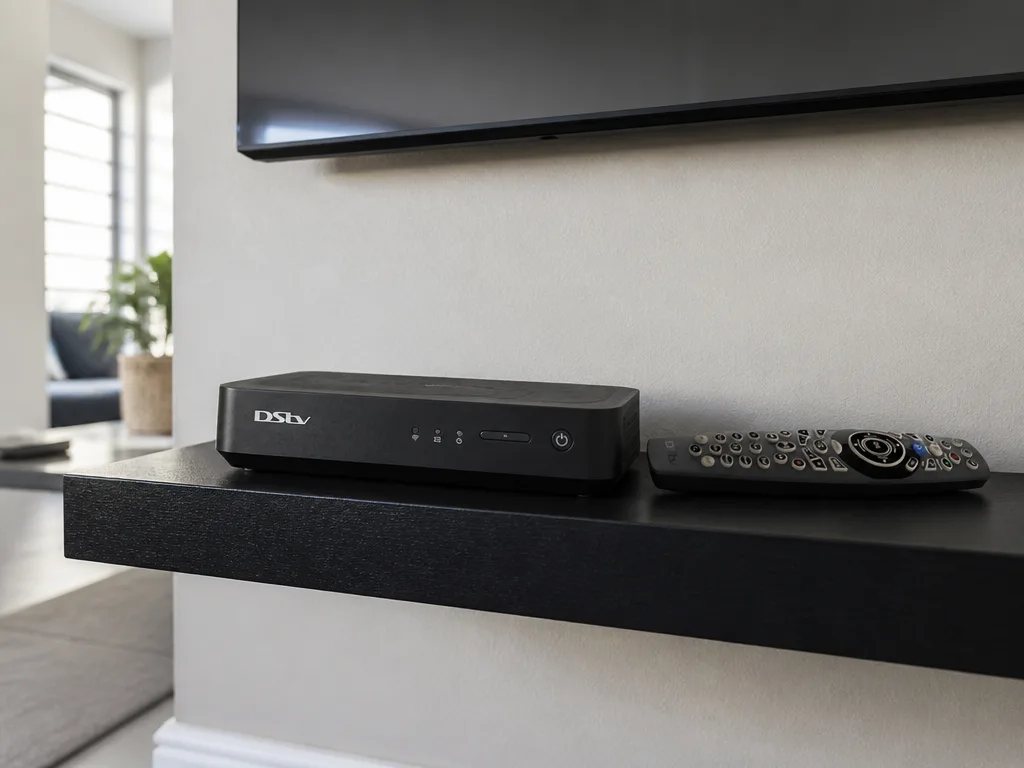
We get asked at least five times a week — "should I upgrade to the Explora Ultra or stick with the Explora 3?" It is a fair question. The two units look superficially similar, they run on broadly similar subscription tiers, and the MultiChoice store staff do not always explain the actual day-to-day differences well. Here is the 2026 lay of the land, based on what we install in Gauteng homes every week.
Quick note on pricing — MultiChoice publishes a recommended retail price (RRP) for each unit, but accredited retailers like Incredible Connection, HiFi Corp and Rochester routinely discount the Ultra in promotions. The numbers below are the official MultiChoice RRP at the time of writing; always confirm with the DStv online store or an accredited retailer before you buy.
The short answer
- If you watch mostly linear DSTV, have one or two TVs, and you are not paying for a 4K screen, the Explora 3A is still the better value choice at the lower price.
- If you watch Netflix, Prime Video or 4K BoxOffice content, want voice search on the remote, and need built-in Wi-Fi without a USB dongle, the Explora Ultra is the right upgrade.
- If you are currently on an HD PVR 2 or older, the jump to either Explora is worth it — the user interface, the on-demand library, and the Showmax integration are all significantly better.
Spec-for-spec comparison (2026)
| Feature | Explora 3 (3A) | Explora Ultra |
|---|---|---|
| Picture quality | HD (720p / 1080i) | 4K UHD with HDR |
| Audio | Dolby Digital | Dolby Atmos |
| Recording capacity | Up to 110 hours | Up to 110 hours |
| Simultaneous record/view | View 1, record 1 | View 1, record 1 |
| BoxOffice rentals | Yes | Yes (including 4K titles) |
| Catch Up | Yes | Yes |
| Showmax | Yes (lighter integration) | Yes (full integration, pre-installed) |
| Netflix | No | Yes, native app + bill-to-DStv option |
| Amazon Prime Video | No | Yes, native app |
| YouTube | No | Yes, pre-installed |
| Wi-Fi | USB Wi-Fi dongle required | Built-in 802.11ac |
| Ethernet | Yes | Yes |
| USB ports | 2 | 1 |
| HDMI | HDMI (HD output) | HDMI (4K HDR output) |
| Remote | A7 infrared remote | A9 Bluetooth voice-search remote |
| Smartcard slot | Yes (physical card) | No (cardless activation) |
| XtraView / Extra View | Supported (link up to 3 decoders) | Supported (link up to 3 decoders) |
| Pause live TV | Up to 2 hours | Up to 2 hours |
| Included subscription | None (separate package required) | None (separate package required) |
| Warranty | 12 months | 12 months |
| RRP standalone | R999 | R2,499 |
| RRP with installation | R1,999 | R3,699 |
Which decoder should you pick?
The table covers what each unit can do — but the everyday decision usually comes down to three honest questions.
Choose the Explora 3A if…
- Your main TV is HD or smaller-than-55-inch — you genuinely will not see the 4K benefit of the Ultra.
- You watch mostly linear DStv channels and use Catch Up occasionally — the older Showmax integration is fine for a once-a-week movie.
- You already have a smart TV or Apple TV / Chromecast handling Netflix and YouTube, so you do not need streaming in the decoder.
- Budget matters — the R1,500 saving on hardware is real, and it goes a long way toward a year of Premium subscription.
Choose the Explora Ultra if…
- You have a 4K TV (or you are about to buy one) and you are paying for Premium with the 4K BoxOffice titles.
- You watch a meaningful amount of Netflix or Prime Video and want a single remote and a single interface for everything.
- Your media cabinet is closed-door or on the other side of the room — the Bluetooth voice remote works through walls and around corners.
- You hate fiddling with USB Wi-Fi dongles — built-in 802.11ac just works.
Stay with what you have if…
- Your current Explora is healthy, your subscription is current, and your viewing habits have not changed in the last year. There is no firmware-based reason to upgrade, and MultiChoice has not signalled a sunset date for the 3A.
Hardware differences that actually matter day-to-day
Picture quality and HDR
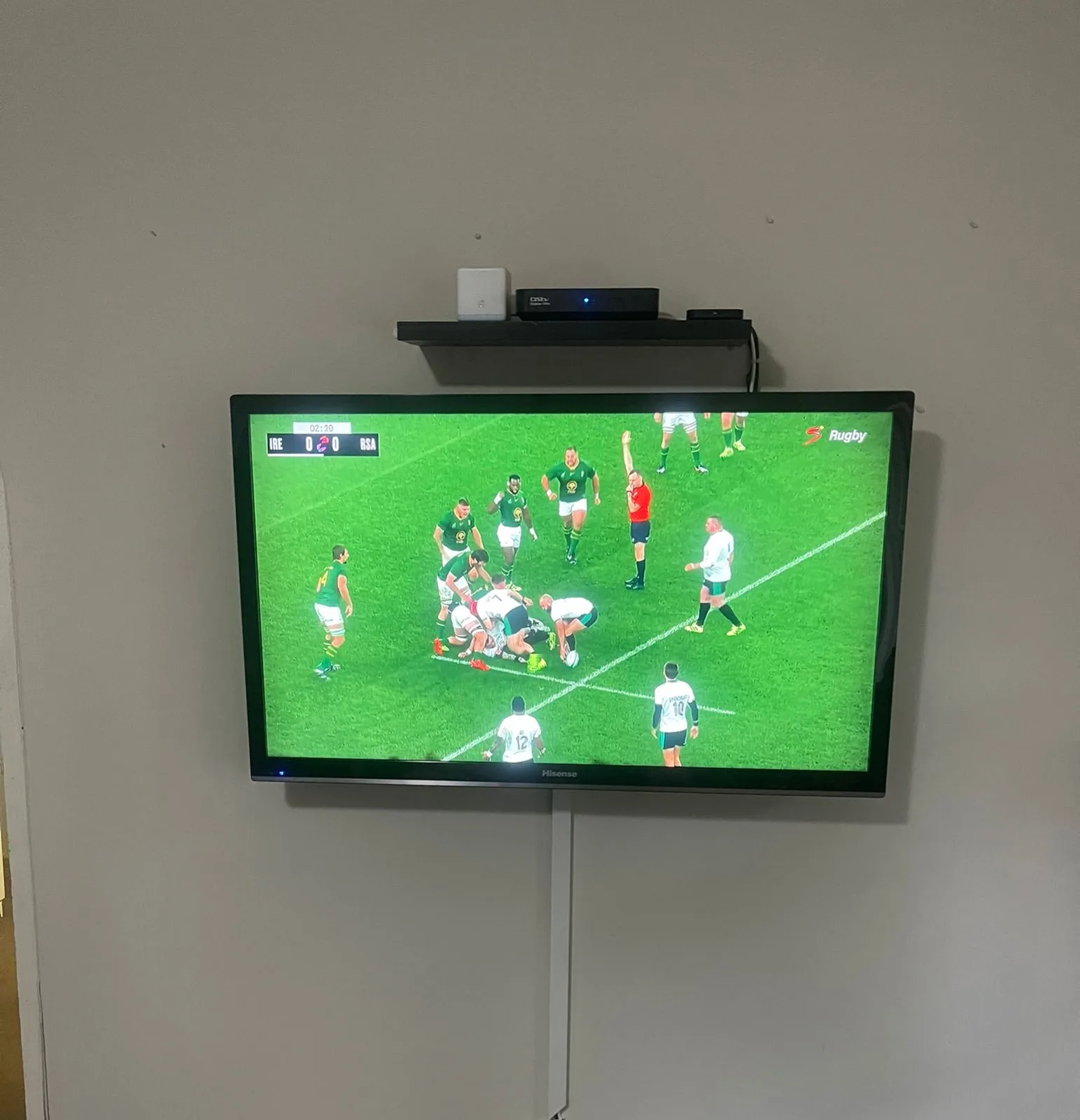
The Explora Ultra supports 4K UHD with HDR on channels and content that broadcasts in that format. As of 2026 that is a handful of 4K SuperSport feeds (rugby tests, Formula 1, select European football), most 4K BoxOffice titles, and a growing slice of Showmax originals. The Explora 3A is capped at Full HD (1080i). If you own a 55-inch or bigger 4K TV and you are paying for Premium, the Ultra is the only way you see the full benefit.
Streaming apps
This is the genuine generational gap. The Ultra has Netflix, Prime Video, YouTube and Showmax pre-installed and updated alongside the decoder firmware. The 3A has Showmax in a lighter version and no Netflix or Prime support at all. If your household watches a lot of streaming, the Ultra removes one HDMI input from your TV setup and consolidates everything under one remote.
Remote and voice search
The Ultra ships with the A9 Bluetooth voice-enabled remote. Two practical wins — voice search across DStv, Netflix and YouTube simultaneously ("find me Top Gun" returns BoxOffice and Netflix results in one list), and the Bluetooth pairing means it works through cabinet doors and across larger rooms. The 3A's A7 infrared remote needs line of sight and a steady aim.
Wi-Fi without a dongle
The Ultra has 802.11ac built in. The 3A needs an external USB Wi-Fi adapter (sold separately, often missing on second-hand units) or an Ethernet cable run to the media cabinet. If your fibre router is in a different room — and it usually is — this matters more than people expect on install day.
Watch — official DStv walkthrough of the Explora Ultra
Use cases by household
Single-room home or flat
One TV, maybe two, no Extra View, mostly linear viewing. The Explora 3A wins on price and the lack of 4K content does not matter on a 42-inch screen anyway. A typical 3A install in a Sandton apartment or a Centurion townhouse takes about 90 minutes from arrival to first picture.
Multi-room household, family watching separately
If you need Extra View across two or three rooms and one of those is a 4K living-room TV, mix and match. Put the Explora Ultra as the primary in the main lounge and an Explora 3A as a secondary XtraView decoder in a bedroom. You get 4K where it matters and cheaper hardware in the rooms that do not need it. This is our most-installed configuration in Bedfordview and Silver Lakes double-storey homes.
Sports-heavy household
If your weekends are SuperSport from first whistle to last, and you have a 4K OLED or QLED in the lounge, the Ultra is worth it for the HDR bump on the 4K sports feeds and a far better remote for jumping between channels mid-game.
Streaming-heavy household
Explora Ultra, without question. The Netflix + Prime + Showmax + DStv consolidation is the cleanest single-remote setup MultiChoice has ever shipped, and the Ultra is the only Explora that supports it natively.
What the installation involves
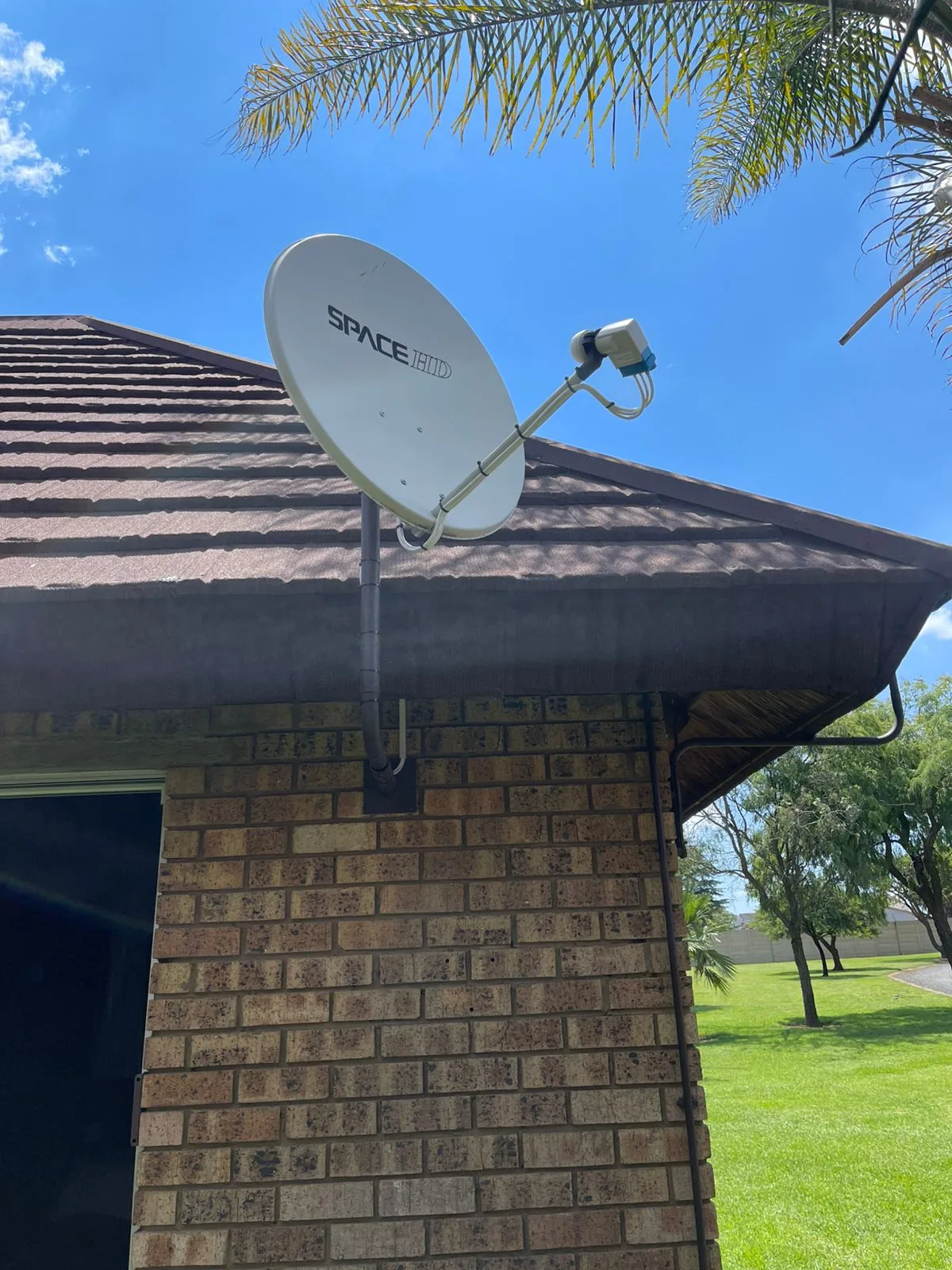
Both units install essentially the same way from a technician's point of view — a standard single-dish, single-LNB setup works fine for either. The differences are post-install. The 3A needs a physical smartcard activation; the Ultra needs the cardless digital activation done correctly on your MultiChoice account, plus Wi-Fi credentials entered so the streaming apps come alive. A properly trained Explora installer will also walk you through the differences on the day so you are not lost in the menu three days later.
If you are swapping an older HD PVR or a dying 3A for the Ultra, expect a decoder replacement appointment to take about 60-90 minutes including the smartcard-to-cardless transfer. If it is a brand-new account, a full DStv installation with dish, LNB, cabling and decoder pairing runs 90-120 minutes.
Where to buy
The official MultiChoice DStv decoder store lists both units at RRP and offers installation bundles. Incredible Connection, HiFi Corp, Game, Makro, Bradlows and Rochester all stock the Ultra and frequently discount it during sale events — it is worth a price-check across three retailers before you commit.
Need a hand? Book an accredited installer in your suburb
Not sure which Explora suits your household? We do free on-site assessments — a technician walks through your lounge, checks your current setup, asks a few honest questions about what you watch, and recommends an option with no upsell pressure. Call 077 454 4032 or use our contact page.
Keep reading
In case you missed it
Planning a job? See extra TV point installation. Or browse our DSTV installer in Faerie Glen and our Garsfontein DSTV team pages.
More to read: our guide: dstv signal strength optimization.