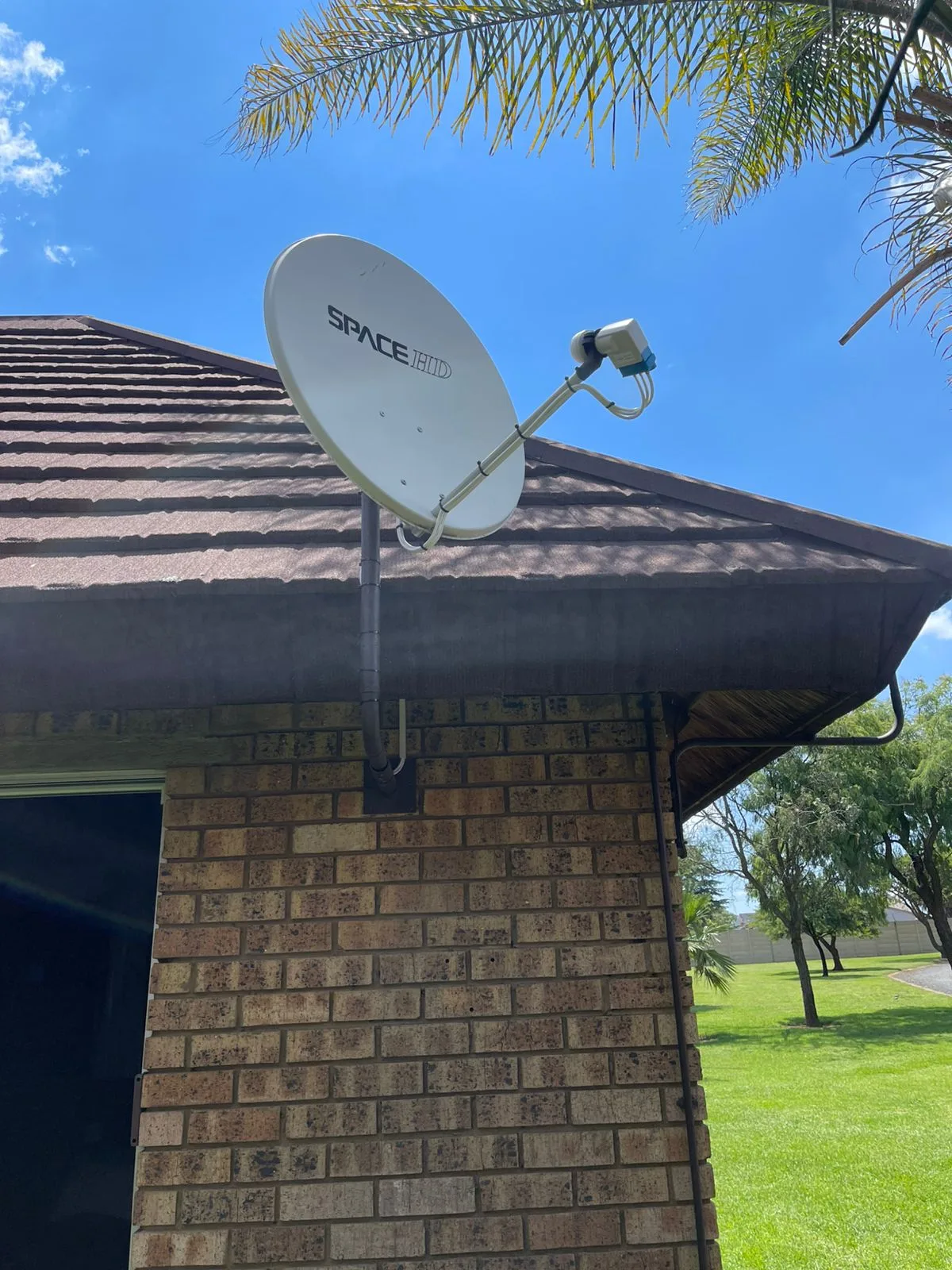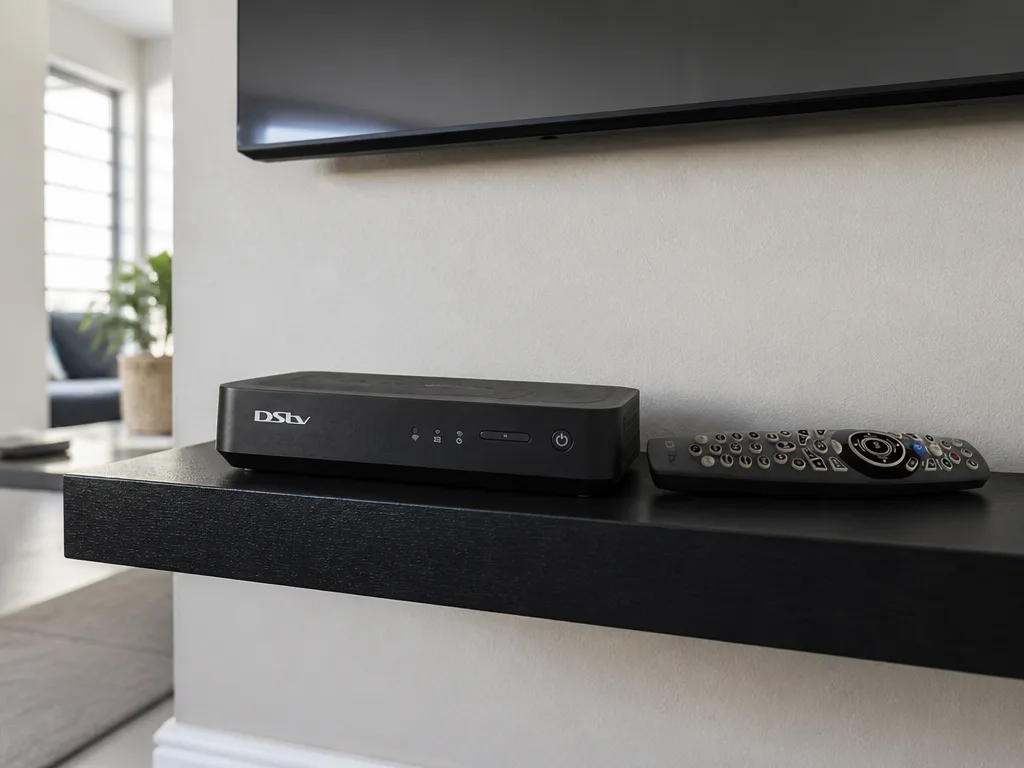
Plenty of DStv signal faults have nothing to do with the decoder or the dish. They start at the small metal fitting on the end of the cable. A DStv cable connector that has worked loose, corroded or was fitted badly in the first place can leave you with an E48 "searching for signal" message, and the fault can come and go with the weather.
This guide explains what those connectors are, which type to use, when a cable joiner is fine and when it is a problem, and how to check your own connections before you book a call-out.
Key takeaways
- DStv uses the F-type connector, a screw-on coaxial fitting designed for 75-ohm cable.
- Compression F-connectors are the reliable choice. Push-on fittings shield less well, and hand-fitted connectors are easier to knock loose.
- Use RG6 coax with a solid centre conductor. The connector depends on that solid core.
- An F-connector is not waterproof on its own. Outdoor joints need a seal.
- Every joiner adds two more connections that can fail. Fewer joins is better.
What a DStv cable connector actually is
The fitting on both ends of your satellite cable is called an F connector (or F-type connector). It is the standard plug for satellite TV almost everywhere, normally fitted to RG6 or RG59 coaxial cable. It screws onto the threaded socket on the back of your decoder, on the LNB at the dish, and on any wall plate, splitter or multiswitch in between.
It is a proper international standard, not a DStv invention. The International Electrotechnical Commission publishes it as IEC 61169-24, which covers screw-coupled coaxial connectors "typically for use in 75 Ω cable networks (type F)". The 2019 edition extended the drawings to allow frequencies up to 3 GHz.
The design is simple, which is why it is cheap and why it fails in predictable ways. On a male F-connector, the cable's own copper core is the pin. The connector is just a body that grips the cable's braid and a nut that screws on. So the quality of the joint depends almost entirely on how well the cable end was prepared and how firmly the body was fitted.
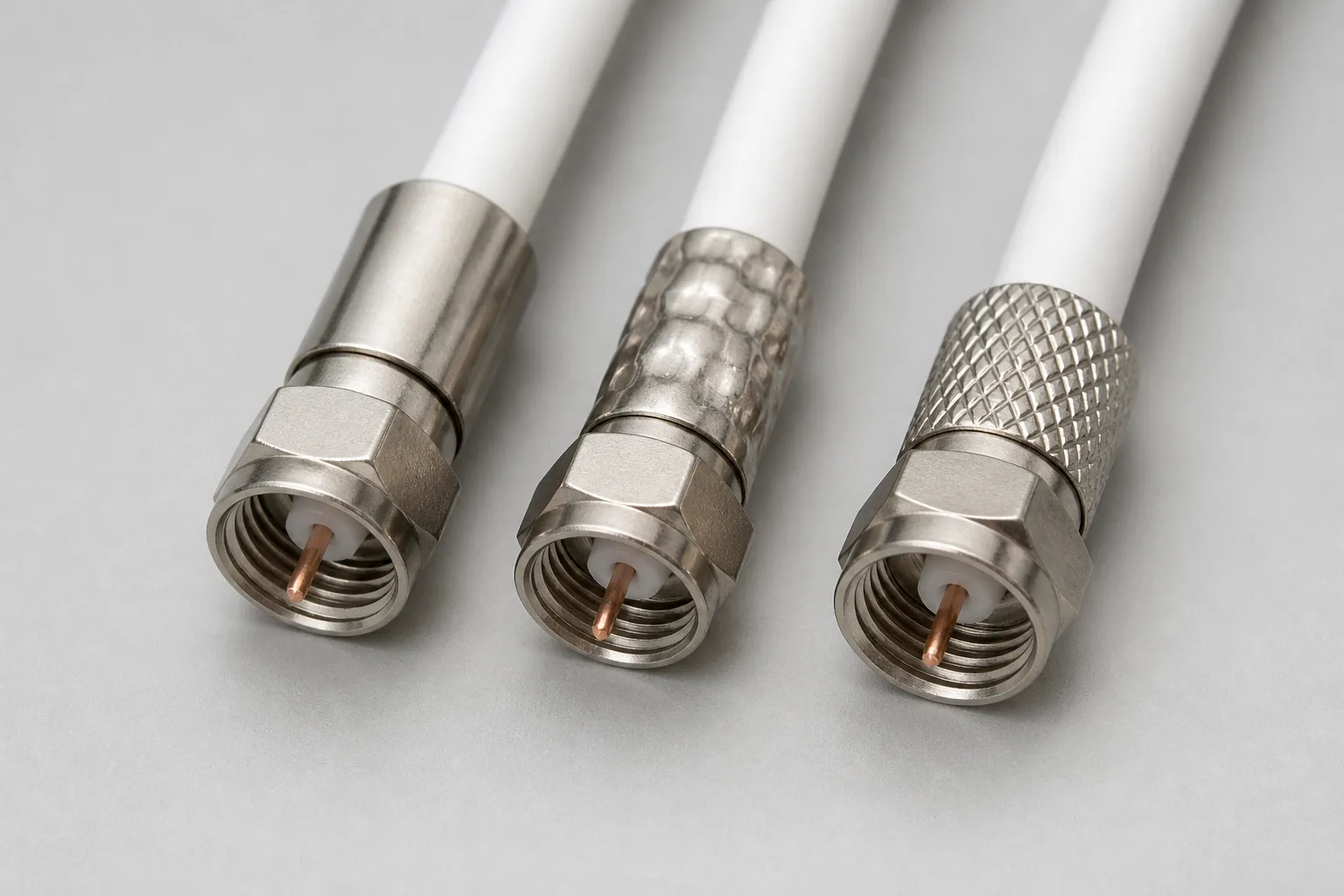
The three types of F-connector you will see
| Type | How it fits | Our view |
|---|---|---|
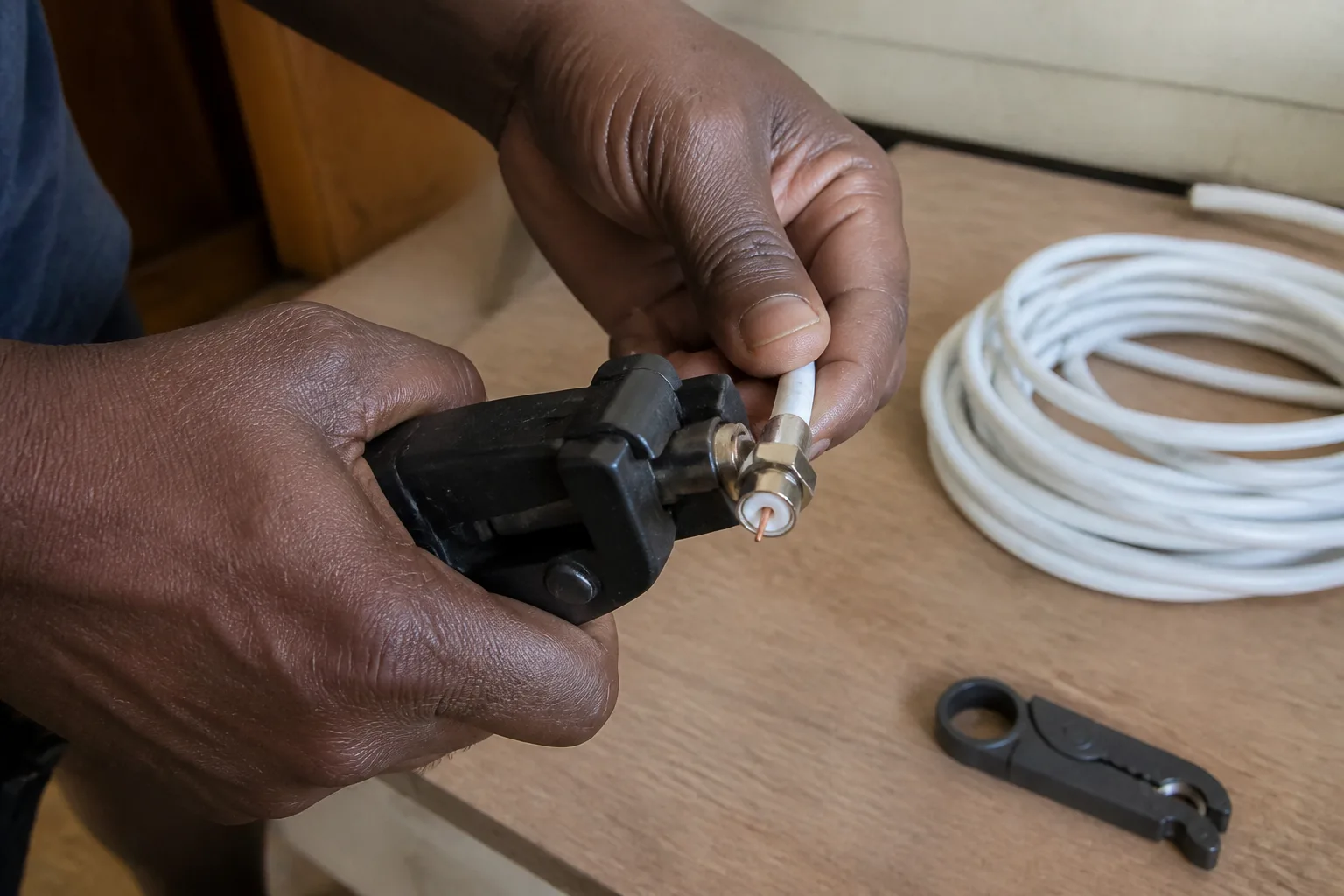
| Compression | Squeezed onto the cable with a compression tool, forming a tight 360-degree grip | The one to use. Stays put and keeps signal in. |
| Crimp | A sleeve is crushed onto the cable with a crimping tool | Acceptable if done well, but less even than compression |
| Push-on / twist-on | Pushed or screwed onto the cable by hand, no tool | Fine as a temporary fix. Not for a permanent install. |
The difference is not only about the plug falling off. The Wikipedia entry on the F connector notes that push-on fittings "provide poorer shielding" and that the leakage problem "is mostly not observed with compression connectors". In practice, a loose or bent push-on fitting can let nearby radio and cellphone signals interfere with your satellite feed.
Why the cable matters as much as the connector
The connector and the cable work as a pair. Satellite installs use RG6 coaxial cable. According to the reference entry for RG-6, the name usually means a cable with a 75-ohm characteristic impedance and an 18 AWG (1.024 mm) centre conductor.
Two things about RG6 catch people out:
- "RG6" is a loose label. The same reference says the term is generic and covers many designs that differ in shielding, centre conductor and jacket. A cheap roll and a good roll can both say RG6 on the outside.
- The core must be solid. Because the F-connector uses the cable's core as its pin, the design "is sensitive to the surface properties of the inner conductor (which must be solid wire, not stranded)." A stranded core frays and makes poor contact in the decoder socket.
Cable also loses signal along its length. The loss grows in proportion to the length of the run, and it is greater at higher frequencies. That is why long runs need better cable and fewer joins. A marginal connector on a short run might get away with it. The same connector at the end of a long run up to a double-storey roof often will not.
If you are not sure what cable your installer used, look at the outer jacket near the wall plate. If the cable type is printed on it, that is the quickest way to tell.
Cable joiners: when they are fine and when they are not
A DStv cable joiner (also called a barrel connector or F-to-F coupler) is a short double-ended female fitting that links two cables. It is useful when a cable is too short, or when a damaged section has been cut out.
The catch is simple arithmetic. One joiner means two more F-connections, and each one can work loose or let in water. A joiner is fine on a short indoor run. These are the cases where a new length of cable is the better fix:
- The join would sit outside, on a wall or in a gutter, exposed to rain.
- The cable already has more than one join between the dish and the decoder.
- The join would be hidden inside a wall or ceiling, where nobody can reach it later.
If you are adding a room, our guide to wiring a second XtraView room covers how the cable should be routed so you avoid joins in the first place.
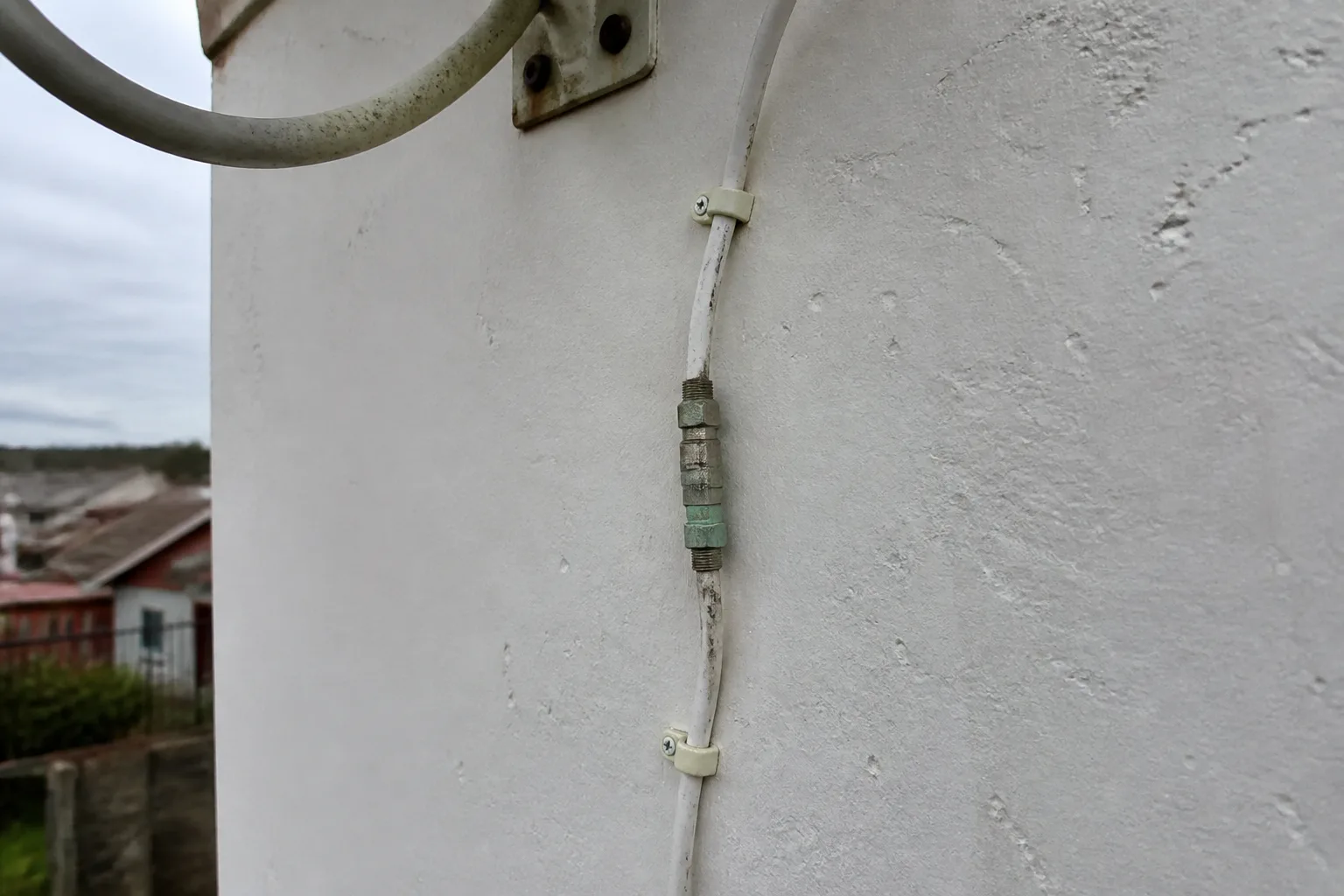
Weather: the reason outdoor connectors fail
An F-connector is not weatherproof. The F connector reference spells it out: neither the threads nor the joint between the body and the nut give a watertight seal. Water that gets in corrodes the copper core and the braid. The fault then gets worse after every storm. That is a familiar pattern in Gauteng's summer thunderstorm season.
The same source lists the usual fixes: connectors with an O-ring inside the nut, waterproof versions or enclosures for outdoor use, and silicone grease on bare copper and connectors to improve corrosion resistance. At the dish, that means a compression connector, screwed on firmly, with a weather boot or self-amalgamating tape over the joint.
If your picture keeps breaking up for a day or more after the rain has stopped, a wet connector is a strong suspect. It is worth checking before you assume the dish has moved. For a dish that really has shifted after a storm, see our post on realigning a dish after a Highveld storm.
How to check your connectors yourself
DStv's own help pages point to cables first. For the E48 error, the DStv help page lists "damaged cables, loose connections, an improperly aligned dish, or severe weather conditions" as possible reasons. For E48-32 it suggests that, if the weather is fine, you check that the cables from the satellite dish are connected to the decoder properly, then switch the decoder off at the wall for at least 10 seconds.
A safe five-minute check, all from ground level:
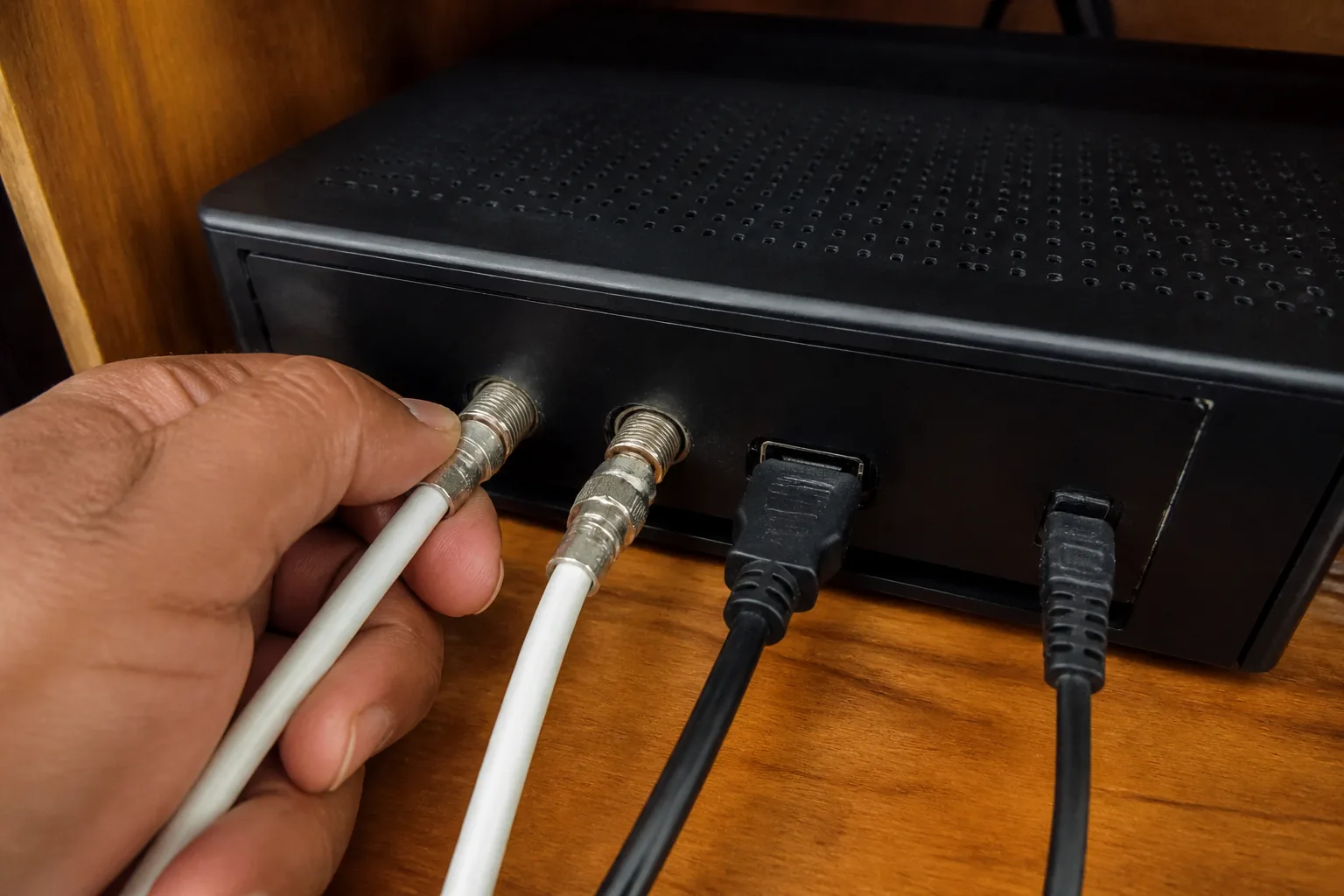
- Switch the decoder off at the wall before touching any connector. The LNB at the dish gets its power from the decoder, down the same coaxial cable that brings the signal in.
- Check the back of the decoder. Each connector should be screwed on firmly by hand, not just pushed on. Note which cable goes into which input before you unscrew anything.
- Look at the copper pin. It should be straight, clean and stick out only slightly past the connector. A bent, green or blackened pin needs a new connector.
- Check for stray braid. A single strand of braid touching the pin can short the line and stop the LNB getting power.
- Follow the cable to any wall plate, splitter or joiner you can reach and repeat the check.
- Power back on and give the decoder a minute to find signal.
Please leave the dish end alone unless you can reach it safely from the ground. Roof work is where DIY gets risky, and a dish knocked a few millimetres out of line is a bigger problem than a loose connector. If the check above does not fix it, our no-signal troubleshooting guide walks through the next steps.
When to call an installer
Re-terminating a cable is quick with the right tools: a cable stripper, a compression tool and the correct connectors for that cable. Without them, it is easy to leave a stray strand of braid or a core that is too long. Book a technician if:
- The connector at the LNB on the roof is the suspect.
- The cable is cut, crushed or chewed somewhere you cannot reach.
- You have several joins and the fault comes and goes.
- Signal is poor on every connection, which points to the dish or LNB rather than one connector.
A proper repair tests the signal at the decoder end and works back towards the dish, replaces push-on or corroded fittings with compression connectors, and seals every outdoor joint. Where a cable needs replacing, one clean length beats a run full of joiners. If the dish itself is off-target, that becomes a dish alignment job. If you want a neat new cable run to another room, that is an extra TV point installation.
We work across 28 Gauteng suburbs, from Randburg to Centurion, Monday to Friday 7am to 6pm and Saturdays 8am to 2pm. Call or WhatsApp 077 454 4032, or use the form on our contact page.
Frequently asked questions
How should DStv cables be connected?
Switch the decoder off at the wall first, because the LNB on the dish is powered through the same cable. Then screw each F-connector firmly onto its socket by hand, with the copper core straight and no strands of braid touching it. Compression fittings are the ones to use for a permanent install.
What are the three types of cable connectors?
On a satellite line you will see three kinds of F-connector: compression, crimp and push-on (or twist-on). Compression fittings grip the cable all the way round and stay put. Push-on fittings shield less well and are best kept for a temporary fix.
What is an LNB cable?
It is the coaxial cable that runs from the LNB, the small unit on the arm of your dish, down to the decoder. It carries the satellite signal down to the decoder and carries power from the decoder up to the LNB. On most installs it is RG6 cable with an F-connector at each end.
What is an F connector for TV?
It is the screw-on coaxial plug used for satellite and cable TV. It is specified internationally in IEC 61169-24 for 75-ohm cable networks, and it fits the decoder, the LNB and any wall plate or splitter in between.
How do I know if my coaxial cable is RG6?
If the type is printed on the outer jacket, that is the quickest check. Bear in mind that RG6 is a loose label covering many designs, so the print alone does not tell you the quality. In practice the name usually means 75-ohm cable with an 18 AWG (1.024 mm) centre conductor.
Sources
- IEC, IEC 61169-24:2019 Radio-frequency connectors, Part 24 (type F)
- DStv Help, E48: Searching for Signal
- DStv Help, E48-32: Weather
- Wikipedia, F connector
- Wikipedia, RG-6
- Wikipedia, Low-noise block downconverter
Keep reading
In case you missed it
Planning a job? See Explora decoder setup and pairing. Or browse our same-day DSTV installation in Mooikloof and Garsfontein DSTV specialists pages.
More to read: our guide: curved tv wall mounting.