Curved TV Wall Mounting: The Complete Technical Guide for 2026
Curved TV wall mounting is one of the most technically demanding screen installation tasks a homeowner or technician can undertake, and a critical fact shapes every decision from the start: a curved TV is generally not the best choice if you want the TV mounted flush against the wall like a painting. Because the screen curves away from the mounting plate at both edges, a gap between the back of the TV and the wall is unavoidable, which changes how you select a bracket, anchor the wall, and manage cables. At DSTV Pro Installers (0774544032), our dstv installation technicians work across 28 Gauteng suburbs and handle curved TV mounting alongside full satellite and decoder setups every day.
Key Takeaways
- Curved TV wall mounting requires a compatible bracket that accounts for the screen's curve and keeps the load centred. Standard flat-panel mounts often create uneven pressure on the mounting lugs.
- VESA hole patterns are the same on curved and flat TVs, but you must verify the mount's weight rating and VESA dimensions before purchasing.
- A full-motion (articulating) bracket is the most practical choice for curved screens because it allows angle adjustment and compensates for the forward-shifted centre of mass.
- Cable management is more complex on curved screens because the gap between the TV and the wall creates visible cable runs that need to be concealed with conduit or in-wall routing.
- Professional dstv installers can pair a curved TV mounting job with decoder setup, signal alignment, and cable concealment in a single visit. Our TV wall mounting service starts from R650.
- Wall material matters: brick and concrete require masonry anchors rated for the combined weight and leverage of a curved screen, while drywall installations require toggle bolts or direct stud anchoring.
- Same-day bookings are available across Gauteng suburbs including Centurion, Randburg, and Fourways.
Why Curved TV Wall Mounting Is Different from Flat Panel Installation
A flat TV sits flush against the rear surface of its mounting plate. A curved TV does not. The screen bows outward from the centre, which means the left and right edges of the panel are closer to the wall than the centre is.
This geometry produces a torque and lever effect: the TV's centre of mass sits forward of the mounting plate rather than directly above it. When combined with the weight of a large curved screen, this forward shift creates rotational stress on the bracket arms and wall anchors that a standard tilt mount may not be rated to absorb.
The practical result is that curved TV wall mounting demands a heavier-duty bracket, correct anchor depth, and in most cases a full-motion arm that can be adjusted to keep the viewing angle centred. A dstv technician who handles both decoder installations and TV mounting will assess the wall structure, the TV's VESA spec, and the bracket geometry before drilling a single hole.
Selecting the Correct Bracket for Curved TV Wall Mounting
There are three main bracket categories used in curved TV wall mounting: fixed, tilt, and full-motion (articulating). Each has a different performance profile for curved screens.
- Fixed mounts hold the TV at one static angle. Because there is no adjustment, any misalignment during installation is permanent. Fixed mounts can work for curved screens but offer no compensation for the forward centre-of-mass shift.
- Tilt mounts allow vertical angle adjustment (typically 5 to 15 degrees downward). They add more surface-area contact to the wall via a wider back plate, which helps distribute the load from a curved screen more effectively than a fixed bracket.
- Full-motion mounts are the preferred option for curved TV wall mounting. They allow horizontal swivel, vertical tilt, and often extension from the wall. This adjustability accommodates the curved screen's geometry and the viewer's seating position. Full-motion mounts rated to 60kg or more are suitable for most 55-inch to 75-inch curved panels.
Spacers or offset hardware are sometimes required between the mounting plate and the TV's VESA lugs. These ensure the bracket does not apply uneven pressure at the corner lugs due to the screen's curvature.
VESA Specifications and Weight Ratings for Curved TV Wall Mounting
VESA (Video Electronics Standards Association) hole patterns are standardised across both flat and curved TVs. Common patterns include 200x200, 400x400, and 600x400 millimetres. Before any curved TV wall mounting job, you need to match three specifications exactly: the VESA hole pattern (in mm), the bracket's maximum weight rating, and the bracket's arm extension range.
Most curved TVs between 55 and 75 inches weigh between 18kg and 35kg without a stand. A bracket rated to at least 1.5 times the TV's actual weight is the minimum safety margin we recommend. Over-specifying the bracket costs very little and provides significant long-term structural confidence.
Weight ratings on the bracket's wall plate and on the arm assembly are sometimes different. Read both figures. The wall plate rating tells you how much the anchor-to-wall connection can hold; the arm rating tells you how much the articulating mechanism can support. Both must exceed the TV's weight.
Step-by-Step Process for Curved TV Wall Mounting
A visual 5-step guide to mounting a curved TV on the wall. Learn the tools, alignment, and safety tips needed for a secure setup.
The following process covers the technical sequence for a safe and correctly aligned curved TV wall mounting installation.
- Wall survey and stud/anchor location: Identify the wall material (brick, concrete, or drywall). For drywall, locate studs using a stud finder. Mark anchor positions at the correct VESA spacing, ensuring both points are either in studs or will receive rated toggle bolts.
- Bracket assembly verification: Before drilling, assemble the bracket and attach the VESA mounting arms loosely to the TV. Check that the curved screen sits flat against the arms without twisting. Add spacers if the curvature lifts any corner lug away from the plate.
- Drilling and anchor placement: Drill pilot holes at the marked positions. For masonry, use a hammer drill and masonry bits. Insert the appropriate anchors (masonry plugs for brick, toggle bolts for drywall cavities). Torque anchors to the bracket manufacturer's specification.
- Wall plate attachment and levelling: Attach the bracket wall plate and use a spirit level to confirm it is horizontal before final tightening. An unlevel plate on a curved TV is more visually obvious than on a flat panel because the curved edges amplify any rotational misalignment.
- TV attachment and angle adjustment: With two people, lift the TV and hang it on the bracket. On a full-motion mount, adjust the arm extension, tilt, and swivel to achieve the correct viewing angle. Tighten all locking bolts and perform a manual load test (apply gentle downward pressure) before releasing the TV.
Cable Management in Curved TV Wall Mounting Installations
The inherent gap between a curved TV and the wall creates a cable management challenge that flat panel installations do not share. HDMI cables, power leads, and aerial or satellite coaxial cables all need to exit the TV from the rear panel, travel across the gap, and reach the wall surface or an in-wall conduit.
The three most practical cable management approaches for curved TV wall mounting are:
- Surface conduit (raceway): Plastic raceway channels are mounted on the wall surface below the TV. Cables are routed from the TV into the channel and down to the AV equipment or power point. This method requires no wall penetration and is reversible.
- In-wall cable routing: A qualified electrician or our technician cuts a channel in the wall, installs a conduit or pull-through sleeve, and routes cables invisibly behind the plaster. This produces the cleanest finish but requires wall repair and is not reversible without additional work.
- Loomed cable drop: All rear cables are bound in a single loom and dropped vertically behind a TV console. This is the fastest method but leaves a visible cable bundle between the TV and the furniture.
Our TV wall mounting service includes cable management as a standard component. We do not leave exposed cables across a visible wall surface.
How a DSTV Technician Integrates Curved TV Mounting with Decoder Setup
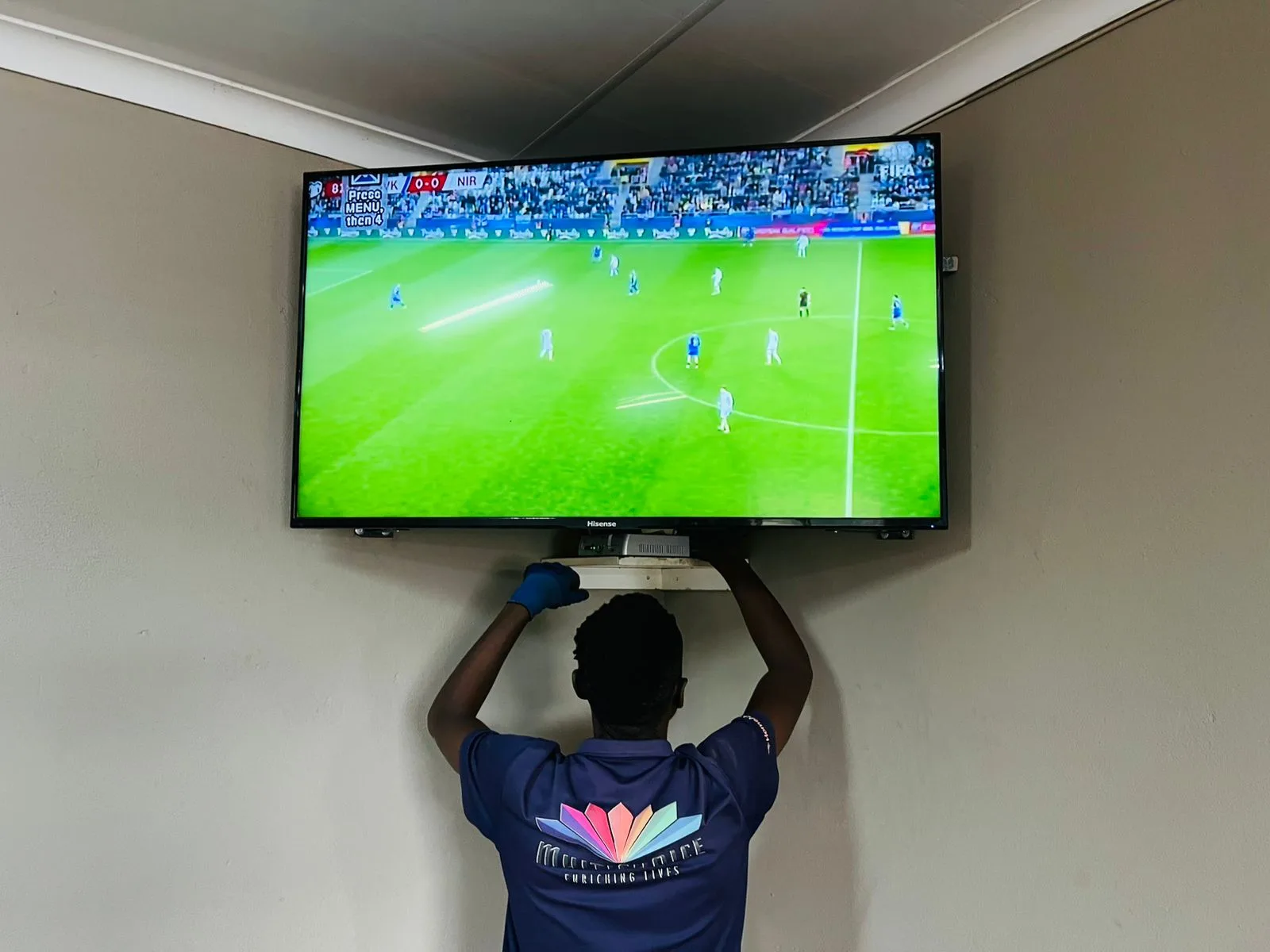
A curved TV wall mounting job rarely happens in isolation. Most clients also need a decoder positioned, cabling routed from the satellite dish to the decoder, and an HDMI connection made between the decoder and the mounted TV. Combining these tasks in one visit saves time and avoids duplicate cable runs.
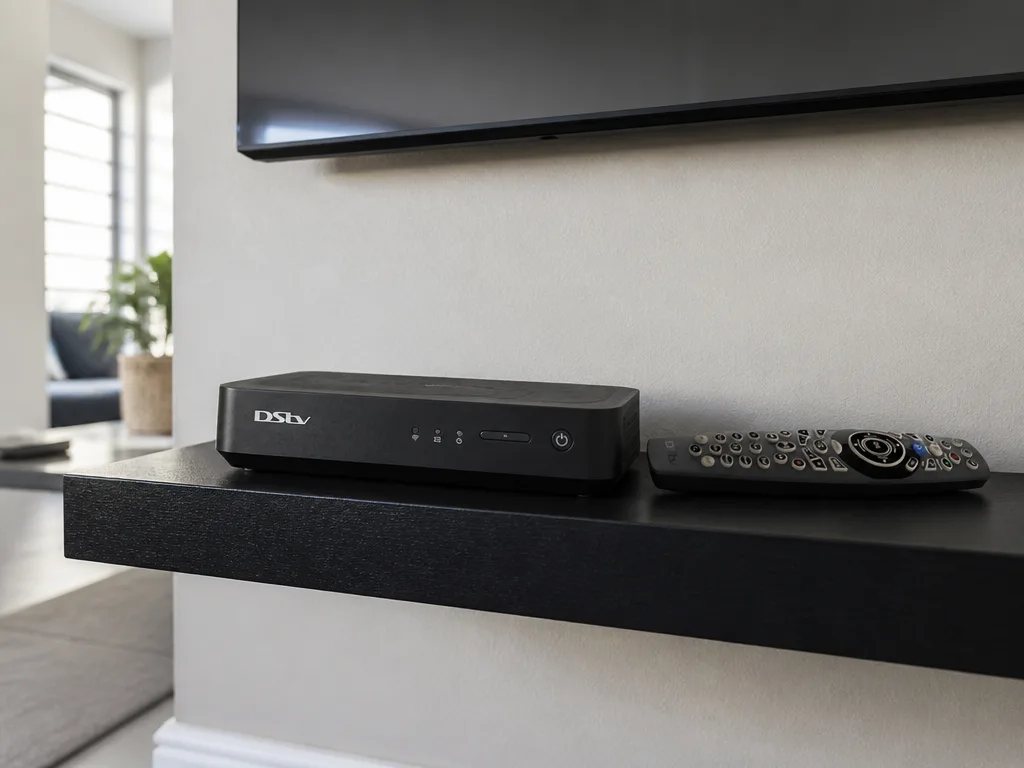
Our dstv technician follows a logical sequence: mount the TV first, identify the cable entry points, then position the decoder below or beside the TV (on a console, shelf, or in a media unit) so that the HDMI cable run is as short as possible. The satellite coaxial feed from the dish is then routed to the decoder through the same conduit or raceway used for other cables.
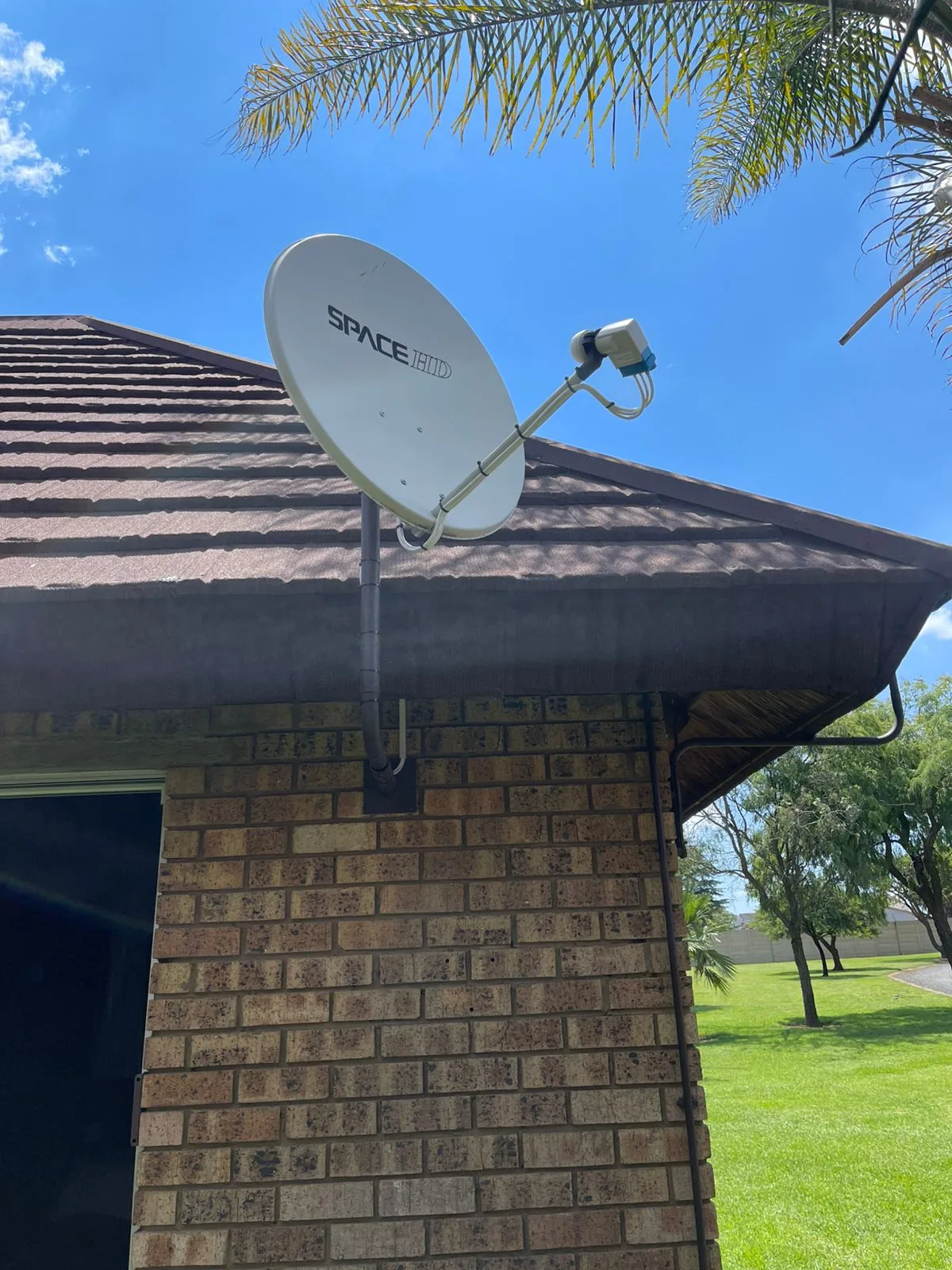
For clients with a new Explora decoder installation, we confirm that the LNB and dish alignment are correct before completing the TV mounting so that signal strength is verified before cables are concealed. This prevents having to re-open cable runs after the wall is finished.
Common Errors in Curved TV Wall Mounting (And How to Avoid Them)
The most frequent mistake in DIY curved TV wall mounting is using a bracket rated for the TV's screen size without checking the weight rating. Screen size and weight are not linearly related: a 65-inch curved OLED panel can weigh significantly less than a 65-inch curved LED/LCD panel of the same generation.
A second common error is drilling anchor points without confirming wall stud or masonry density. Hollow-section brickwork and lightweight concrete blocks require specialist anchors and larger embedment depths than solid brick or reinforced concrete.
A third error is over-tightening the VESA bolts on a curved TV. The rear chassis of a curved panel is not flat, and aggressive torque on corner mounting bolts can stress the frame or crack the rear housing. Tighten to finger-tight plus one quarter-turn and use thread-lock fluid if vibration is a concern.
Our dstv installers carry calibrated torque drivers and anchor selection reference guides on every job to avoid these errors systematically.
Curved TV Wall Mounting Pricing and Service Coverage Across Gauteng
Our curved TV wall mounting service is available from R650 for a standard single-TV installation with cable management. Pricing varies based on wall material, bracket type supplied, cable routing complexity, and whether the job is combined with a full dstv installation package.
A combined curved TV mounting and full DSTV installation (dish, decoder, cabling, and signal alignment) is priced between R850 and R1450 depending on the scope. Extra View setups that involve a second decoder in an additional room are priced from R900 to R1500.
We cover 28 suburbs across Gauteng, including areas such as Vorna Valley, Parkhurst, and Fourways, with same-day booking available on most days. Call us on 0774544032 to confirm availability in your area.
When to Book a Professional for Curved TV Wall Mounting
Professional installation is the correct choice in any of the following situations: the wall is face brick, concrete, or drywall; the TV weighs more than 25kg; the bracket is a full-motion articulating model; the installation is above a fireplace where heat management is also a concern; or the job involves in-wall cable routing that requires cutting.
DIY curved TV wall mounting is practical only when the wall is solid masonry with confirmed anchor points, the bracket is a fixed or simple tilt type, and the installer has prior experience with VESA hardware. Even in this case, having a second person present for the TV lift phase is not optional for screens larger than 50 inches.
Our satellite dish alignment and decoder repair services can be booked alongside a curved TV mounting visit to consolidate all AV work into a single appointment. Contact us on 0774544032 or visit our installation gallery to see completed projects.
Conclusion
Curved TV wall mounting is a precision task that differs from flat panel installation in several structural and mechanical ways. The screen's geometry shifts the centre of mass forward, requires a bracket with correct VESA spacing and sufficient weight rating, and makes cable management more complex than a flush flat-panel setup. Choosing the right full-motion bracket, confirming anchor depth and material compatibility, and routing cables through a concealed conduit are the three technical pillars of a safe and clean curved TV wall mounting result.
At DSTV Pro Installers, we provide professional curved TV wall mounting across 28 Gauteng suburbs from R650, with same-day booking and the option to combine the installation with a complete dstv installation, decoder setup, or Extra View configuration. Call our team on 0774544032 to book a dstv technician for your curved TV mounting project.
Frequently Asked Questions
Can you wall mount a curved TV the same way as a flat TV?
No. Curved TV wall mounting requires a bracket that accounts for the screen's geometry, because the curved panel does not sit flat against a standard mounting plate. In most cases, a full-motion bracket with spacer hardware is needed for a secure and even fit.
What bracket do I need for curved TV wall mounting?
You need a full-motion or heavy-duty tilt bracket with a VESA rating that matches your TV's hole pattern and a weight rating that exceeds the TV's mass. Some curved screens also require offset spacers between the VESA lugs and the bracket arms to prevent uneven pressure on the panel chassis.
How far does a curved TV stick out from the wall when mounted?
The minimum wall gap depends on the bracket type and the depth of the TV's curve. Most curved TV wall mounting setups result in a gap of at least 50mm to 100mm between the wall and the deepest point of the screen's curvature, even on a fixed mount.
Is curved TV wall mounting more expensive than flat TV mounting?
It can be marginally more expensive because compatible full-motion brackets tend to cost more than basic flat-panel tilt mounts, and the installation takes slightly longer due to VESA alignment checks and cable gap management. Our curved TV wall mounting service starts from R650 in Gauteng.
Can a DSTV technician also mount my curved TV?
Yes. Our dstv technician teams are trained in both satellite system installation and TV wall mounting. Combining a dstv installation with curved TV mounting in a single visit reduces overall cost and ensures that all cabling is routed and concealed in one pass.
What wall types are safe for curved TV wall mounting?
Solid brick, reinforced concrete, and timber stud walls with correct anchor selection are all suitable for curved TV wall mounting. Lightweight concrete block and single-layer drywall require specialist anchors and are best assessed by a professional before installation proceeds.
Is curved TV wall mounting worth it in 2026?
Yes, if the curved TV is already owned and the viewing setup benefits from the immersive angle a curved screen provides. The key is using the correct bracket and having a qualified dstv technician handle the installation to avoid structural failures or cable management issues down the line.
Keep reading
In case you missed it
Planning a job? See DStv Extra View setup. Or browse our Sandton DSTV setup and book a Woodmead installer pages.
More to read: our Extra View guide for two-storey Gauteng houses.