How to Upgrade to DStv Triple View: Full Technical Guide for Gauteng Homes (2026)
When households decide to upgrade to DStv Triple View, one of the most useful facts to understand upfront is that you can link either two or three decoders under a single XtraView subscription, meaning your entire family can watch independently across multiple rooms without paying for separate subscriptions. This guide covers every technical aspect of the upgrade process, from hardware requirements and cabling to decoder selection and activation, specifically for Gauteng homes served by our team at DSTV Pro Installers.
Key Takeaways
- What is DStv Triple View? It is an XtraView configuration that links three decoders (one primary, two secondary) under a single DStv subscription for independent multi-room viewing.
- What hardware do you need? A compatible primary Explora decoder, a Smart LNB, a heartbeat cable, and up to two secondary decoders (Explora 3A or HD decoders are standard choices).
- How much does the upgrade cost? Labour for an additional room typically starts at R1,850, and a full multi-room hardware upgrade ranges from R4,500 to R7,500 depending on cabling requirements.
- Can you keep your current subscription? Yes. Triple View runs on your existing subscription with monthly Access Fees added per secondary decoder (approximately R125 per decoder per month).
- Do you need an accredited technician? Yes. MultiChoice requires accredited dstv installers to carry out the setup and activation correctly.
- How long does installation take? A standard Triple View setup takes between 2 and 4 hours depending on the home layout and existing cabling infrastructure.
- Where does DSTV Pro Installers operate? We cover 28 suburbs across Gauteng with same-day service available. Call us on 077 454 4032.
What Is DStv Triple View and How Does the Upgrade Work?
DStv Triple View is the three-room version of the XtraView multi-room system. It allows three decoders in your home to operate simultaneously on one DStv account, with each television able to tune to a different channel independently.
The system designates one decoder as the primary unit. This primary decoder holds the active subscription and controls the linking of secondary decoders through MultiChoice's activation system. The secondary decoders receive their signal authorisation from the primary unit via the heartbeat cable and a correctly configured Smart LNB.
When you upgrade to DStv Triple View from a standard single-room setup, the process involves three distinct technical phases: hardware procurement and configuration, physical dstv installation of cabling and decoders, and MultiChoice account activation. Each phase requires precision to ensure stable signal distribution across all three viewing points.
Hardware Requirements Before You Upgrade to DStv Triple View
A successful Triple View upgrade depends on having the correct hardware in place. Using incompatible components is the most common reason setups fail or produce intermittent signal errors.
The following components are required for a full three-room configuration:
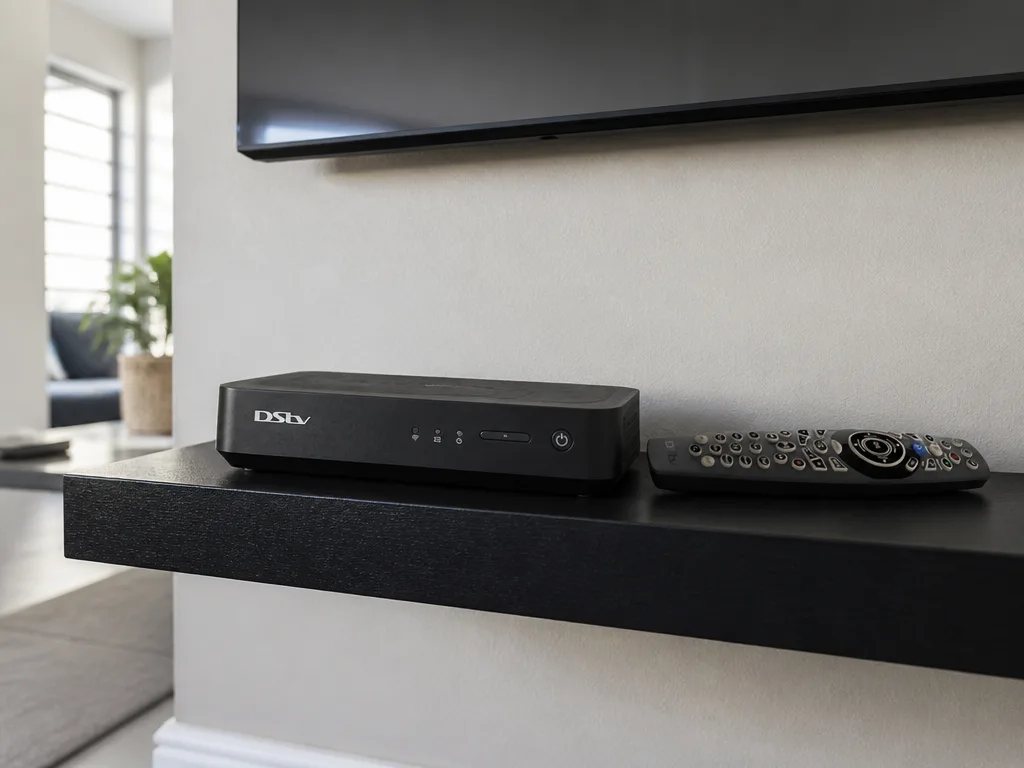
- Primary Explora decoder: An Explora Ultra or Explora 3A is recommended as the primary unit. These models are fully compatible with XtraView linking and PVR functionality.
- Smart LNB: A standard twin LNB is not sufficient for Triple View. The Smart LNB is specifically designed to handle the multi-decoder signal distribution required by XtraView.
- Heartbeat cable: This cable connects the primary decoder to the secondary decoders and carries the authorisation signal that keeps all linked units active.
- Secondary decoders (up to two): These can be Explora 3A or standard HD decoders. They must be registered under the same XtraView account as the primary decoder.
- Coaxial cabling: Separate coaxial runs from the dish to each decoder location are required. A shared single cable run will not support Triple View correctly.
Our dstv technician team carries all standard components and can advise on specific requirements based on your home's layout during a site assessment.
If you want to compare the Explora Ultra against the Explora 3A before committing to a primary decoder, our detailed Explora vs Explora Ultra buyer's guide covers the specifications and Triple View compatibility of each model.
Step-by-Step DStv Installation Process for Triple View
The physical dstv installation for a Triple View upgrade follows a defined sequence. Deviating from this sequence can cause linking failures or prevent MultiChoice activation from completing correctly.
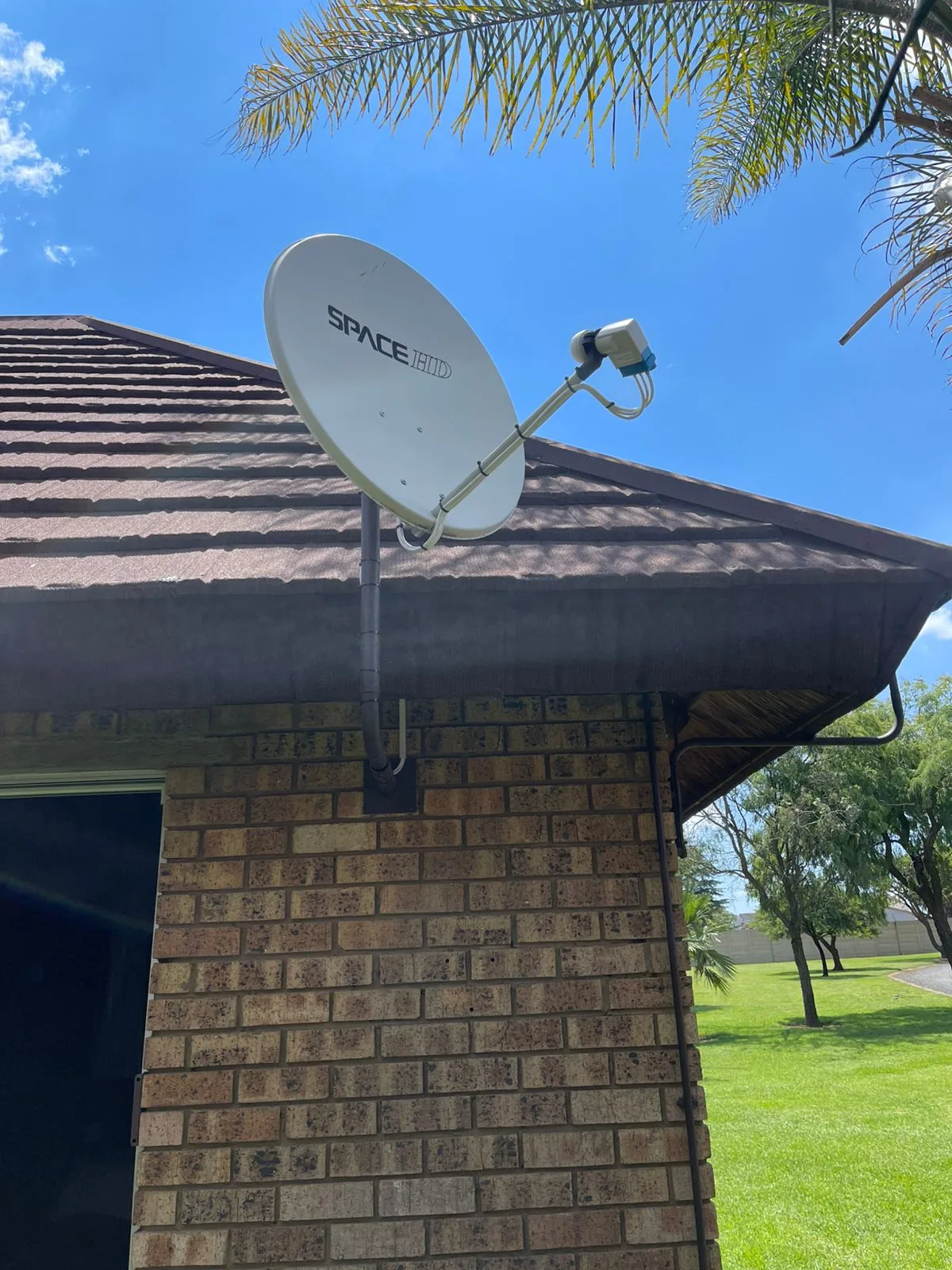
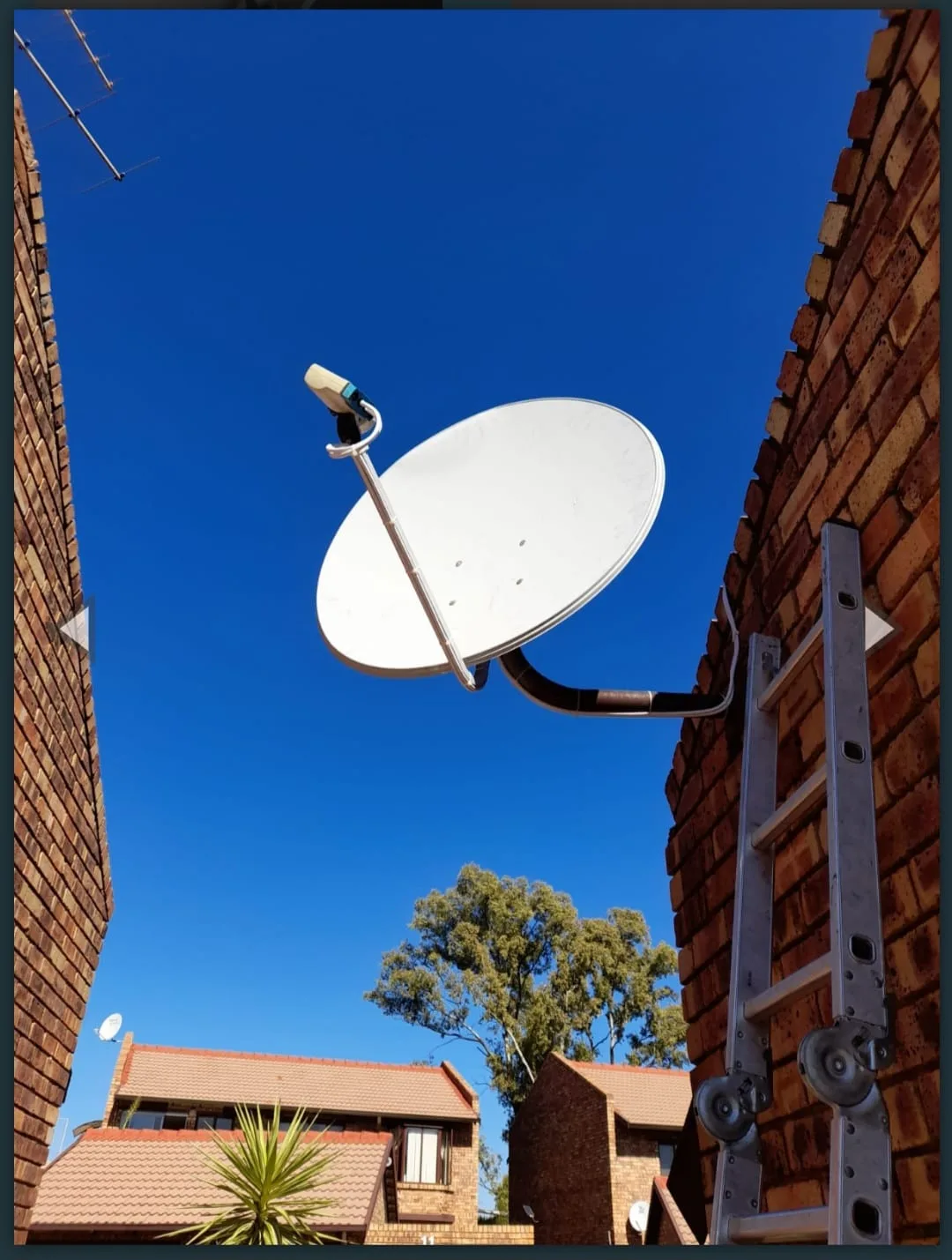
Step 1: Dish and LNB assessment. The existing dish is inspected for alignment and signal strength. If the current LNB is not a Smart LNB, it is replaced before any decoder work begins.
Step 2: Coaxial cable routing. Separate coaxial cables are run from the dish's Smart LNB output ports to each decoder location. For a three-room setup, three independent cable runs are required from the dish.
Step 3: Decoder placement and connection. All three decoders are connected to their respective televisions and coaxial feeds. The heartbeat cable is then connected between the primary and secondary decoders as specified by MultiChoice's wiring diagram.
Step 4: Dish alignment verification. Signal strength is measured at each decoder point to confirm the Smart LNB is distributing adequate signal to all three feeds. Our Explora installation service in Gauteng includes full alignment verification as a standard step.
Step 5: MultiChoice activation. The primary decoder is linked to the existing account and each secondary decoder is registered under the same XtraView profile. This step requires the account holder's ID number and is completed through the MultiChoice system by our dstv technician during the appointment.
Step 6: Testing across all rooms. Each decoder is tested independently to confirm channel access and correct linking. Signal quality meters are checked on each unit before the job is signed off.
Cost Breakdown: What to Budget When You Upgrade to DStv Triple View
Understanding the full cost before you upgrade to DStv Triple View helps avoid surprises. There are both once-off installation costs and recurring monthly fees to account for.
Once-off costs:
- Labour for an additional room installation: from R1,850
- Full multi-room hardware and labour upgrade (Smart LNB, cabling, decoders): R4,500 to R7,500 depending on home size and cabling complexity
- Smart LNB replacement (if required): included in the hardware upgrade estimate above
- Secondary decoder hardware: priced separately based on model selected
Recurring monthly costs:
- Your existing DStv subscription remains unchanged
- Monthly Access Fee per additional XtraView decoder: approximately R125 per decoder
- For a full Triple View setup with two secondary decoders, this adds approximately R250 per month to your existing bill
Multi-storey homes or properties with complex cable routing may fall toward the higher end of the hardware and labour range. Our Extra View setup guide for multi-storey homes provides specific guidance on those configurations.
Choosing the Right Decoder for a DStv Triple View Upgrade
The decoder selection process for Triple View is straightforward but technically important. Not all decoder models are compatible as primary units, and the choice of secondary decoder affects the features available in each room.
Primary decoder options:
- Explora Ultra: The most capable primary unit. Supports full PVR functionality, 4K content access (where available), and seamless XtraView linking. Recommended for households that record content frequently.
- Explora 3A: A reliable primary decoder with PVR capability and full XtraView compatibility. A practical option if the Ultra's additional features are not required.
Secondary decoder options:
- Explora 3A: Can function as a secondary decoder and provides PVR access in secondary rooms when linked correctly.
- HD Decoder: The entry-level secondary option. Does not include PVR capability but provides full channel access at a lower hardware cost.
The choice between secondary decoder models generally comes down to whether the occupants of that room need to record content independently. Our dstv installers can advise on the most cost-effective combination based on your viewing habits during the initial consultation.
DStv Triple View Upgrade Considerations for Large and Multi-Storey Homes
Large homes and multi-storey properties present specific technical challenges when completing a Triple View dstv installation. The primary concerns are signal loss over long cable runs and the physical routing of cables through walls, ceilings, and between floors.
For runs exceeding 25 to 30 metres of coaxial cable from the dish to a decoder, signal amplification may be required to maintain adequate signal quality. Our dstv technician team assesses cable run distances during the site visit and specifies amplifiers where necessary.
Multi-storey homes also require careful planning for heartbeat cable routing between the primary and secondary decoders. The heartbeat cable must maintain a direct connection and cannot be split or extended beyond the specified length without affecting XtraView link stability.
For detailed configuration notes specific to double-storey and larger properties, the multi-storey Extra View setup guide covers the full scope of these installations.
Why Accredited DStv Installers Are Required for Triple View Setups
MultiChoice requires that all XtraView setups and activations are carried out by accredited dstv installers. This requirement exists because incorrect installation directly affects account linking and can prevent MultiChoice from completing the activation process remotely.
Accredited technicians carry the correct tools for signal measurement, have direct access to the MultiChoice activation system during the appointment, and are trained on the specific wiring diagrams for each decoder model combination. A non-accredited installation may produce a setup that appears to function initially but fails the activation check or produces unstable linking over time.
Our team at DSTV Pro Installers holds full MultiChoice accreditation and operates across 28 Gauteng suburbs. Every upgrade to DStv Triple View we carry out includes a 12-month workmanship warranty on all cabling and bracketry.
Dual View vs Triple View: Which DStv Upgrade Is Right for Your Home?
Some households are deciding between a dual-room (Extra View) and a three-room (Triple View) configuration. The technical difference is the number of secondary decoders and associated cable runs, but the decision usually comes down to how many rooms in the home have regular independent viewing requirements.
A dual-room setup involves one primary and one secondary decoder. It requires a Smart LNB with two active output ports and a single heartbeat cable run. The monthly recurring cost is lower because only one Access Fee applies.
A Triple View setup adds a second secondary decoder, an additional coaxial cable run from the dish, and a second monthly Access Fee. The installation complexity increases proportionally with the additional cable routing.
If you are currently on a dual-room setup and want to assess the process of adding a third room, our dual-room Extra View service page in Gauteng provides context on the starting configuration before the Triple View addition is made.
DStv Technician Coverage Across 28 Gauteng Suburbs
We provide same-day dstv installation and upgrade services across 28 suburbs in Gauteng. Our coverage includes central Johannesburg, Sandton, Centurion, Pretoria East, and surrounding areas.
Each appointment is handled by a qualified dstv technician who carries all standard components for a Triple View upgrade. This means we can complete dish assessments, Smart LNB replacements, cable routing, decoder installation, and MultiChoice activation in a single visit in most cases.
To book a same-day appointment for your upgrade to DStv Triple View, call us directly on 077 454 4032 or use our online booking form. We confirm appointments quickly and prioritise same-day scheduling where our availability allows.
For a full overview of our Gauteng Triple View and Extra View services, visit our Extra View setup service page for Gauteng.
This infographic highlights the three key benefits of upgrading to DStv Triple View. It helps readers quickly understand the value and features of the upgrade.
Common Technical Problems During a Triple View Upgrade and How We Resolve Them
Even with the correct hardware in place, certain technical issues arise during Triple View setups that require specific diagnostic steps. Understanding these in advance helps set realistic expectations for the installation process.
Heartbeat cable errors: If the heartbeat cable is not correctly terminated or is routed through a cable distribution point that strips the signal, the primary decoder will not recognise the secondary unit. Our dstv technician uses a dedicated heartbeat cable tester to verify continuity before attempting activation.
Smart LNB signal imbalance: A Smart LNB that is misaligned or incorrectly configured can distribute unequal signal levels across its output ports. This produces a situation where one decoder receives adequate signal while another shows error codes. Dish realignment and LNB positioning adjustments resolve this in most cases.
MultiChoice activation delays: Account activation through MultiChoice occasionally experiences processing delays. Our dstv installers stay on-site until activation is confirmed and all decoders show correct channel access before closing the job.
Existing cable quality issues: Older RG6 cable installed during a previous dstv installation may not meet the signal integrity requirements for a Triple View setup. Where cable degradation is identified, we replace the affected runs as part of the upgrade scope.
Subscription Package Compatibility with Triple View
All DStv subscription packages are technically compatible with the XtraView Triple View configuration. The linked decoders in a Triple View setup access the same channel package as the primary subscription holder.
In 2026, MultiChoice has continued to offer package upsizing promotions at various intervals. If you are on a Family or Access package, an upgrade to DStv Triple View may be a practical time to also review whether a higher package tier better suits your household's viewing requirements. Compact and Compact Plus packages are frequently upsized to Premium during promotional windows.
The DStv MyDStv app also supports a payment-splitting feature introduced in 2026 that allows multi-decoder households to split subscription costs between account members, which can make the recurring costs of a Triple View arrangement more manageable for families or shared households.
Conclusion
When you decide to upgrade to DStv Triple View, the technical requirements are well-defined and the installation process is predictable when carried out by accredited dstv installers with the correct equipment. The key factors are a compatible Smart LNB, independent coaxial cable runs to each decoder location, correct heartbeat cable installation, and a properly completed MultiChoice activation.
At DSTV Pro Installers, our dstv technician teams serve 28 suburbs across Gauteng with same-day scheduling and a 12-month workmanship warranty on all Triple View dstv installation work. Call us on 077 454 4032 to book your upgrade to DStv Triple View or to discuss the specific requirements of your home's configuration.
Frequently Asked Questions
How many TVs can I connect when I upgrade to DStv Triple View?
A DStv Triple View setup connects three televisions, each with its own decoder, under a single XtraView subscription. Each television operates independently and can tune to a different channel simultaneously.
Do I need a new dish when I upgrade to DStv Triple View?
You do not necessarily need a new dish, but the existing dish must be fitted with a Smart LNB that supports multiple independent output ports. If your current LNB is a standard twin or quattro type, it will be replaced as part of the upgrade process.
Is it worth upgrading to DStv Triple View in 2026?
For households with three or more regular viewers who watch different content at the same time, the upgrade to DStv Triple View is cost-effective compared to maintaining separate subscriptions. The additional monthly Access Fee per secondary decoder is the main recurring cost to assess against the convenience benefit.
Can I do a DStv Triple View installation myself without a technician?
MultiChoice requires accredited dstv installers to complete XtraView setups and activations. A self-installed configuration will not pass the MultiChoice activation check and may leave secondary decoders unlinkable without professional intervention to correct the wiring.
How long does it take to complete a DStv Triple View upgrade?
A standard Triple View upgrade takes between two and four hours on-site. Homes with complex cable routing, multi-storey layouts, or LNB replacements may require additional time, which our dstv technician will estimate during the initial assessment.
What is the heartbeat cable in a DStv Triple View setup and why does it matter?
The heartbeat cable is a dedicated connection between the primary and secondary decoders that carries the authorisation signal allowing MultiChoice to recognise and maintain the linked XtraView configuration. Without a correctly installed heartbeat cable, the secondary decoders will lose their linking status, typically resulting in subscription error messages on those units.
How do I book a same-day Triple View upgrade in Gauteng?
Call DSTV Pro Installers directly on 077 454 4032 or use the contact and booking page to schedule a same-day appointment. We cover 28 Gauteng suburbs and carry all standard Triple View hardware to complete most upgrades in a single visit.
Keep reading
In case you missed it
Planning a job? See book an Explora installation. Or browse our Olievenhoutbosch installer team and DSTV installer in Centurion pages.
More to read: our guide: dstv explora ultra installation guide.